How to trim a video without uploading it
Cut a video down to the part you want, entirely in your browser. No upload, no install.
Here is how to trim a video easily, privately (no uploading!) and for free. Edit Videos is the free online tool our team maintains so you can trim videos and much more. Follow the steps below.
Steps
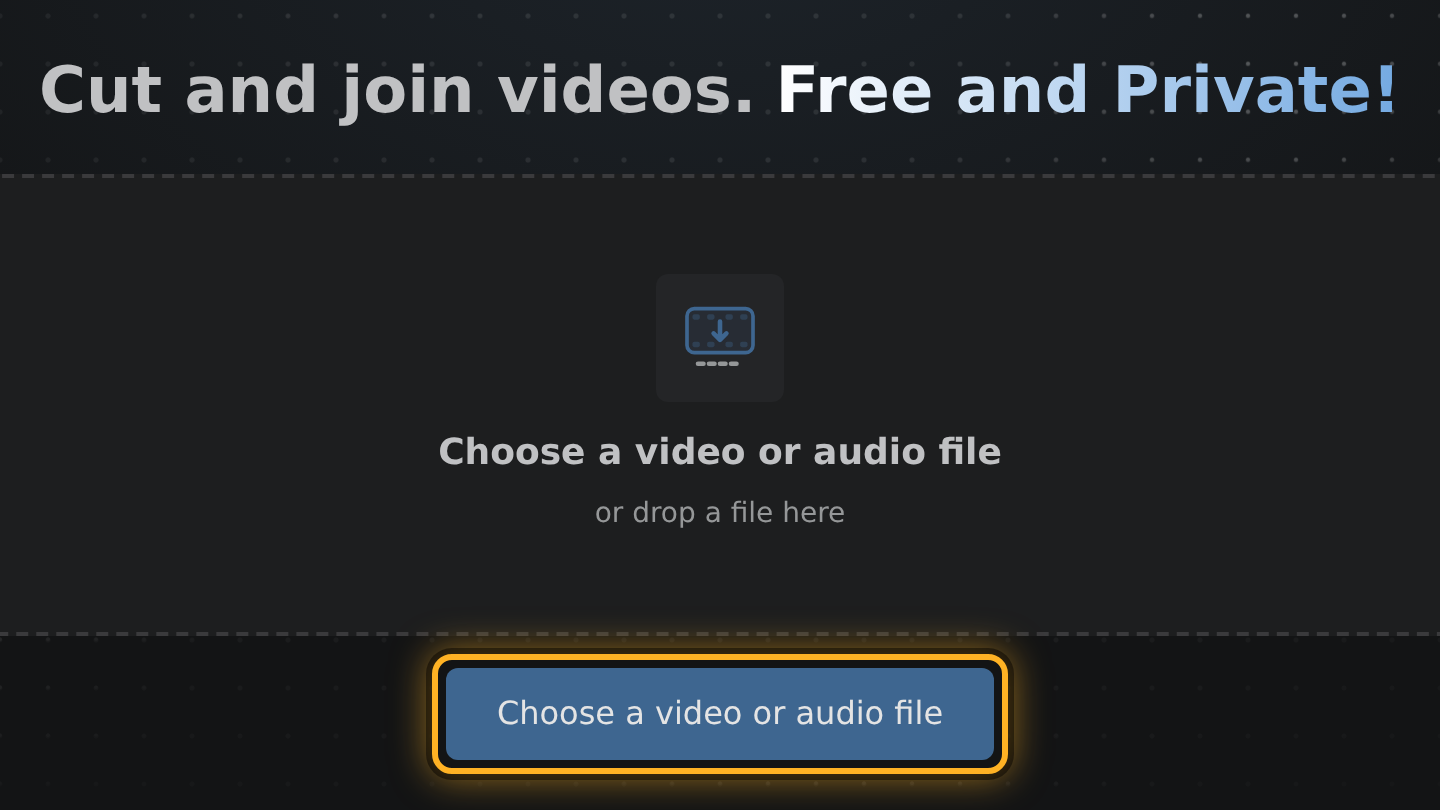
- Open Edit Videos and select Choose a video or audio file, or drop your video on the page. The editor opens with it.
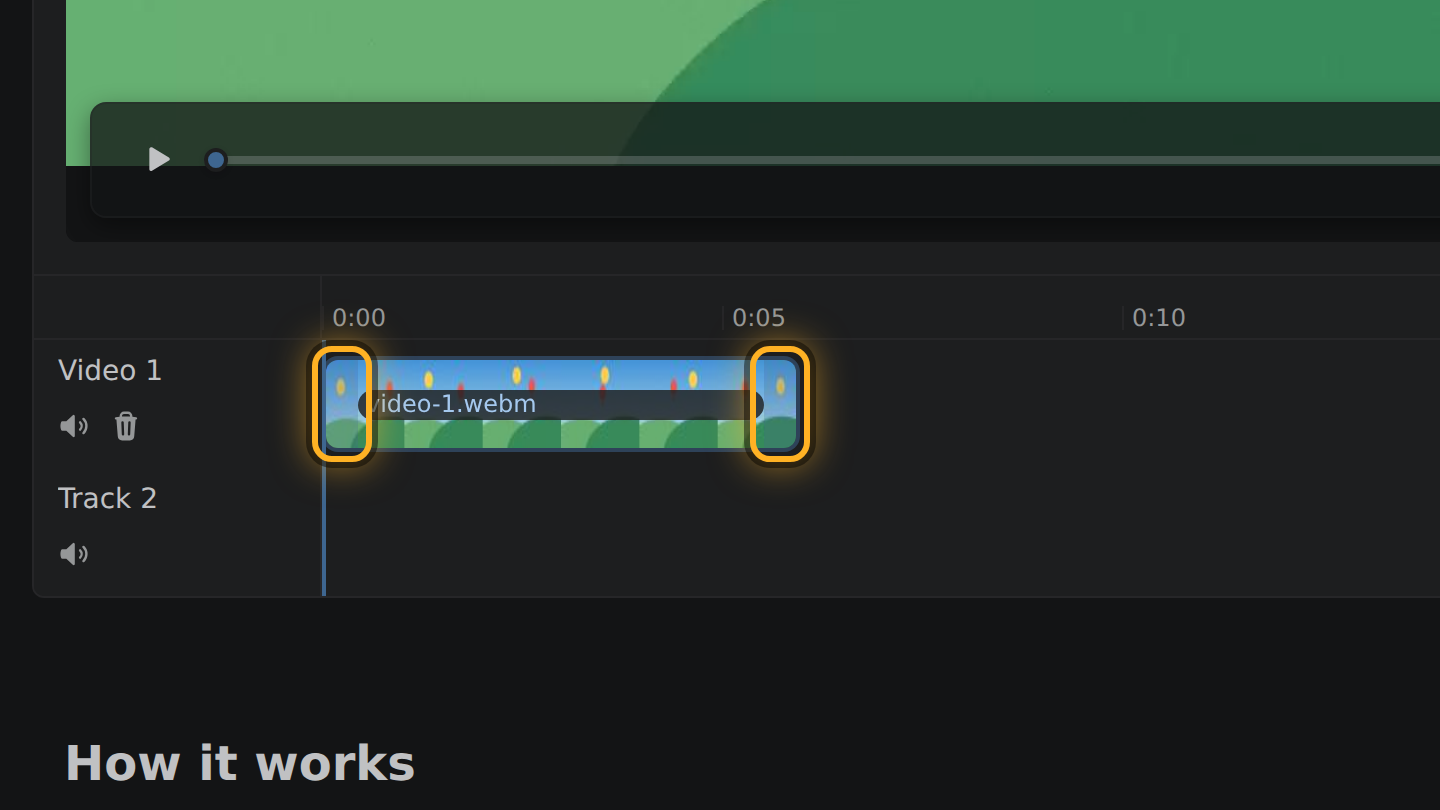
- The timeline is the strip under the video, and your video is the bar in it. Drag the bar's left end to where the video should start and its right end to where it should end.
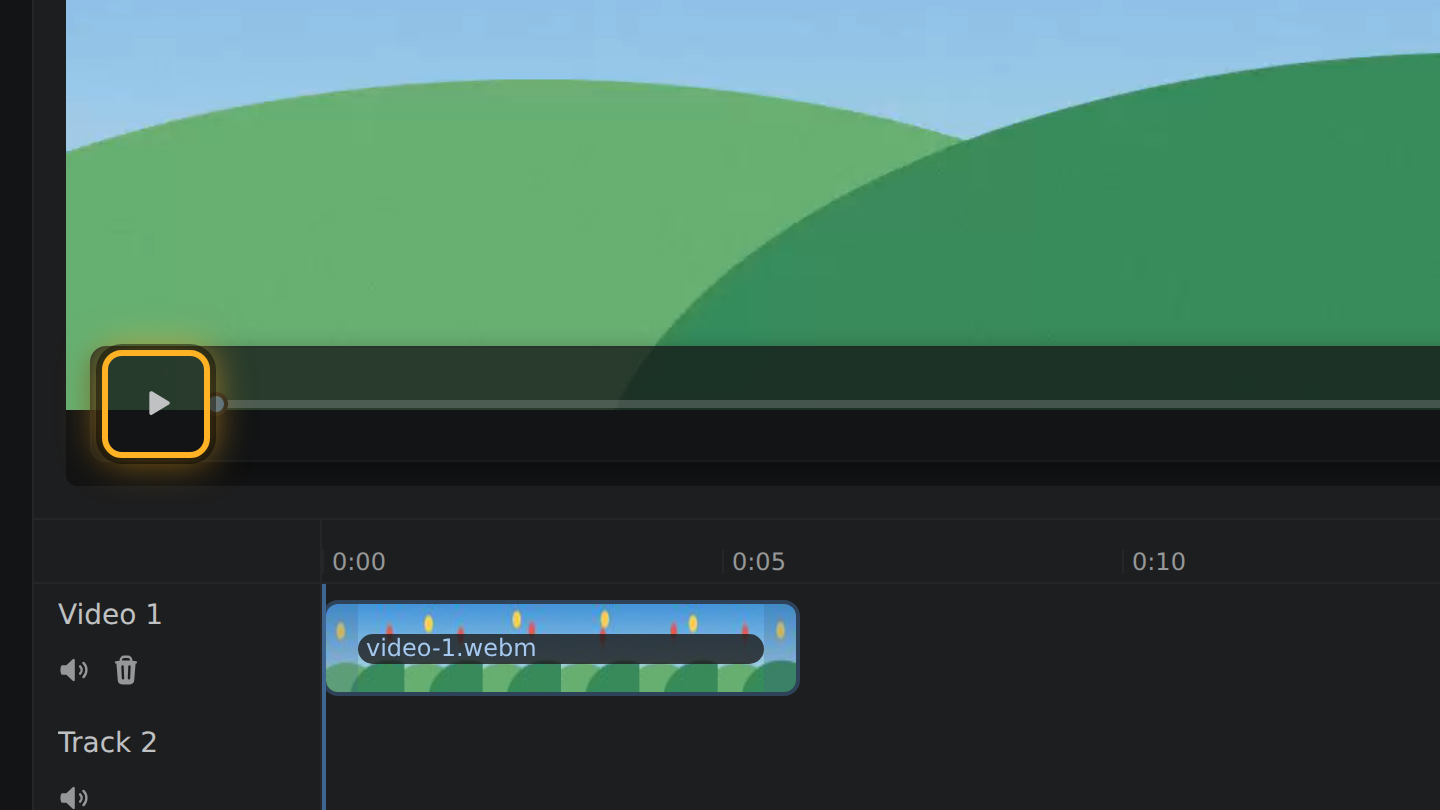
- Select the Play button under the video to watch what is left.
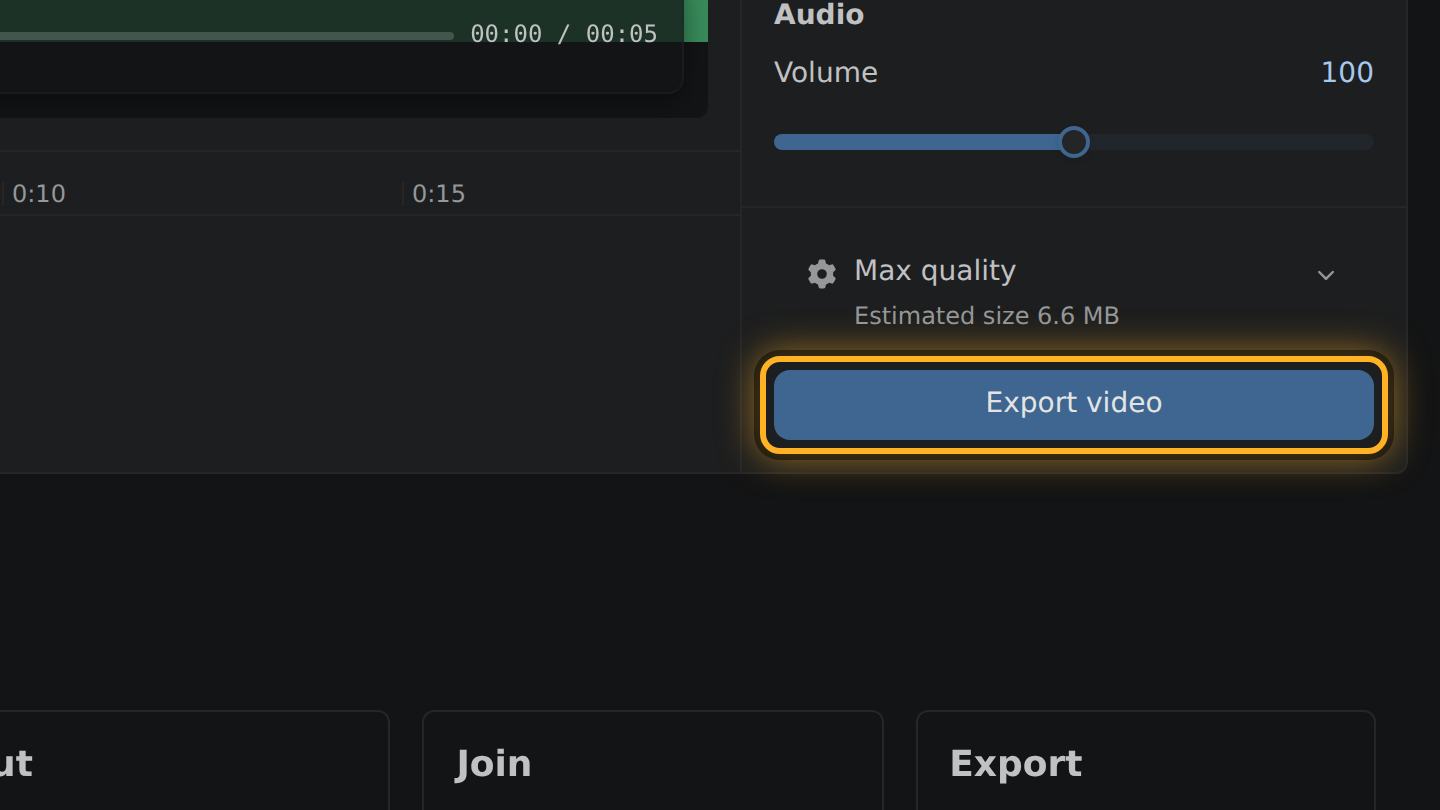
- Select Export video, then Save video.
What to know
- Nothing is uploaded. There is no server in the editing path, so the video cannot leave your device.
- If you move only the end, the picture you keep is copied as it is. Nothing is encoded again.
- If you move the start, the picture is encoded once more, at the bitrate the file came with. The result weighs about the share you kept: half the video, about half the megabytes.
- The result is an MP4 file. No watermark is added and there is no sign-up.
Questions
Does trimming lower the quality?
Not when you move only the end: that part of the picture is copied. Moving the start encodes the picture once more, at the bitrate it already had.
How do I know my video is not uploaded?
Edit Videos has no upload step and no server that takes video. Your browser reads the file from your device and writes the result back to it.
Which browsers does it work in?
It needs a browser that can decode and encode video by itself, such as a recent Chrome, Edge or Firefox. The editor checks yours and tells you if it cannot.

Thiago Vitorino leads the Edit Videos Team. His articles draw on 22 years of building for the web, with TypeScript, Rust and front-end performance.
More guides
Combine two or more video clips into a single file, without uploading anything.
Take the sound out of a video file in your browser. The picture stays as it is.
Trim an MP4 file to the part you want, without uploading it or installing software.