A CapCut alternative for a quick trim
Trim or join a video in your browser, with no upload, no account and no app to install.
Here is how to do a quick trim easily, privately (no uploading!) and for free. Edit Videos is an alternative to CapCut that our team maintains: a free online tool that trims and joins videos and does little else. Follow the steps below.
Steps
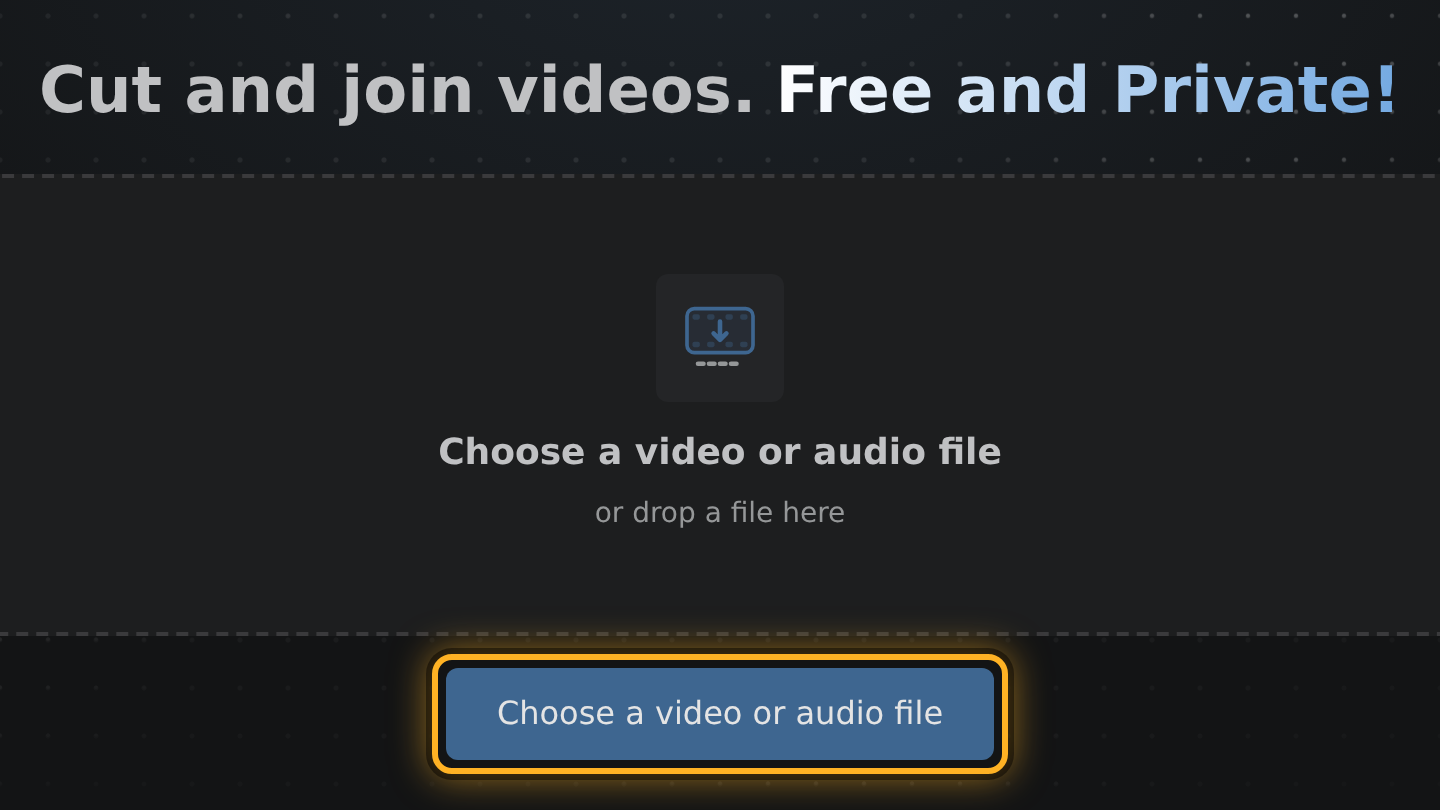
- Open Edit Videos in a browser tab, select Choose a video or audio file and pick the video to trim.
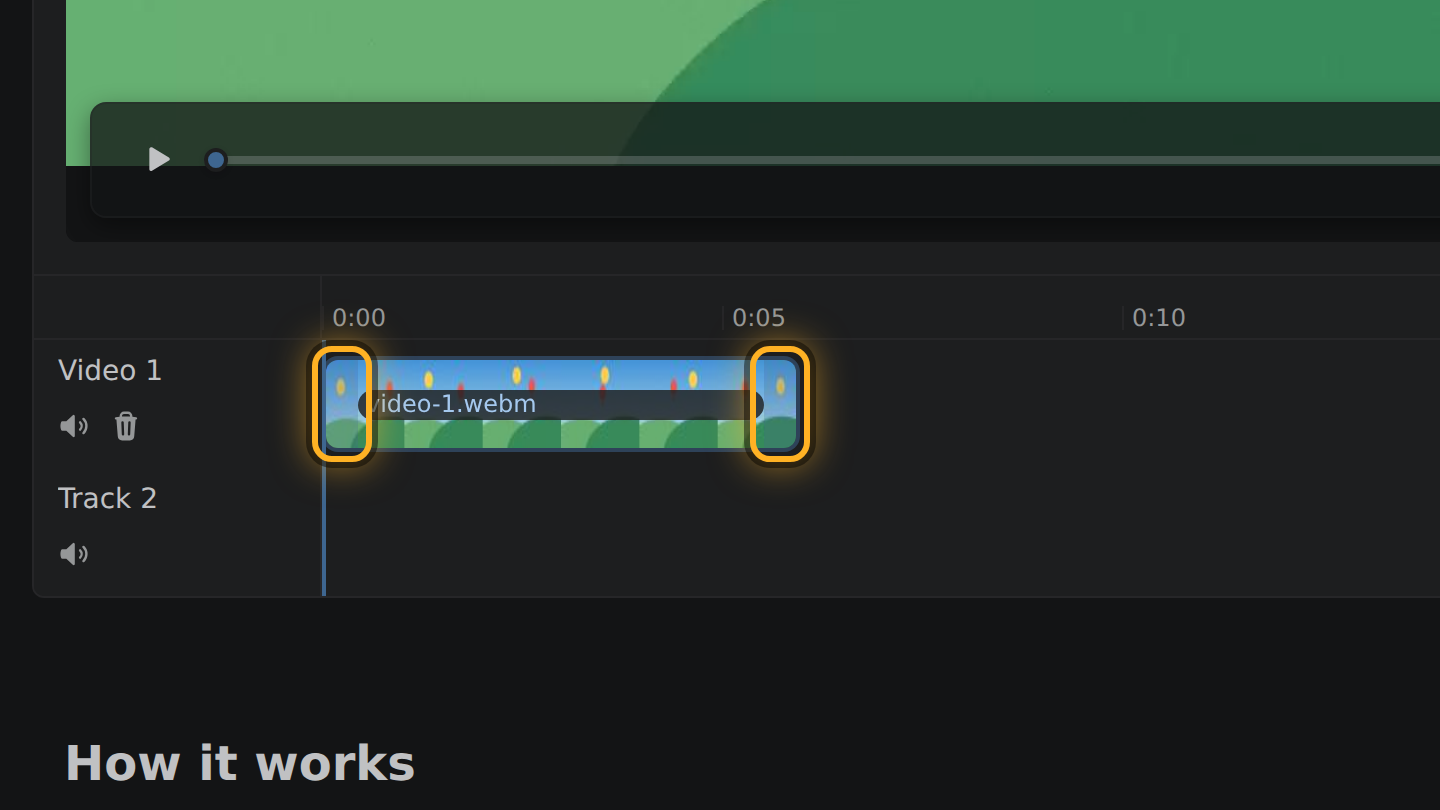
- The video appears as a bar in the timeline, the strip under it. Drag the bar's left end to the first moment you want and its right end to the last.
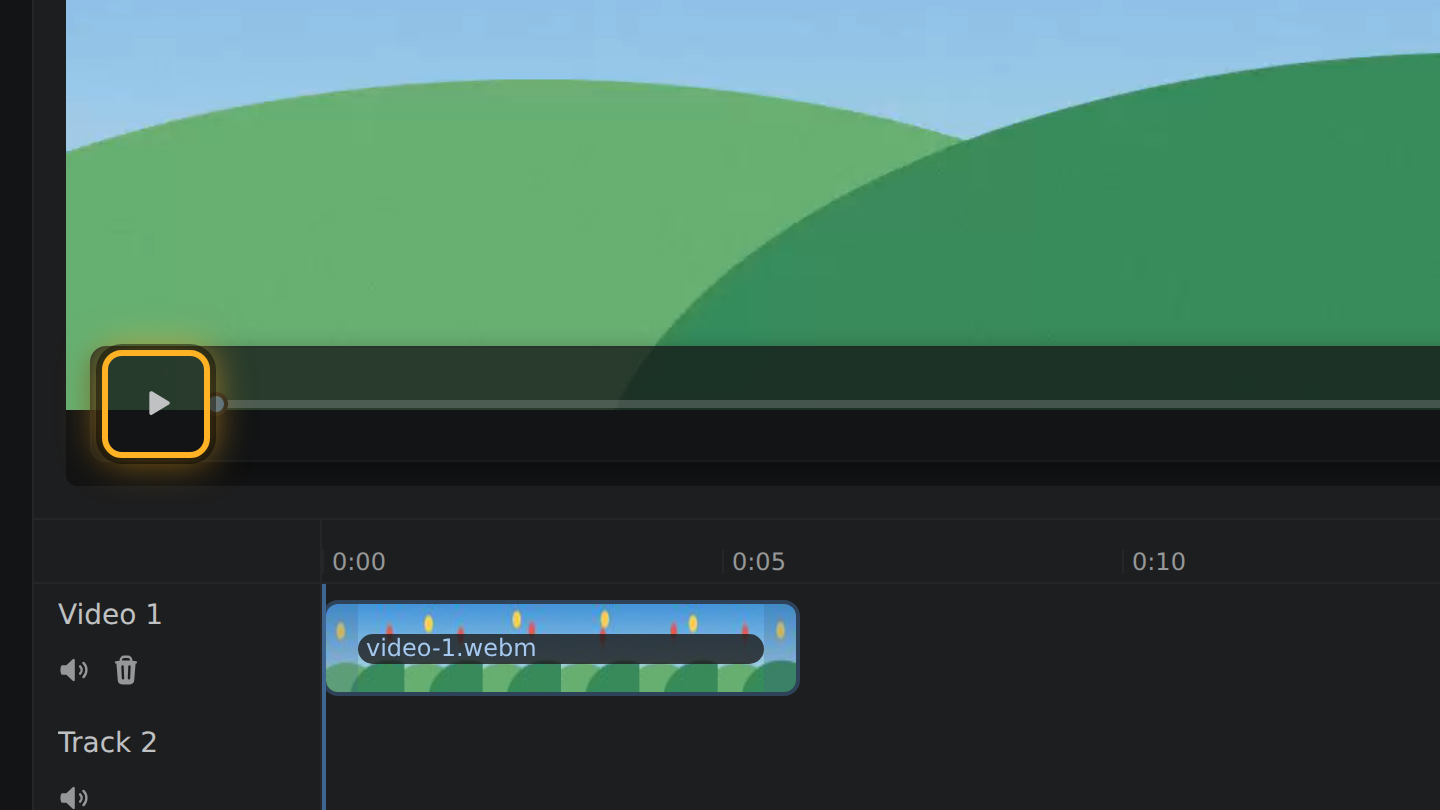
- Press Space, or select the Play button under the video, to play the cut and check it.
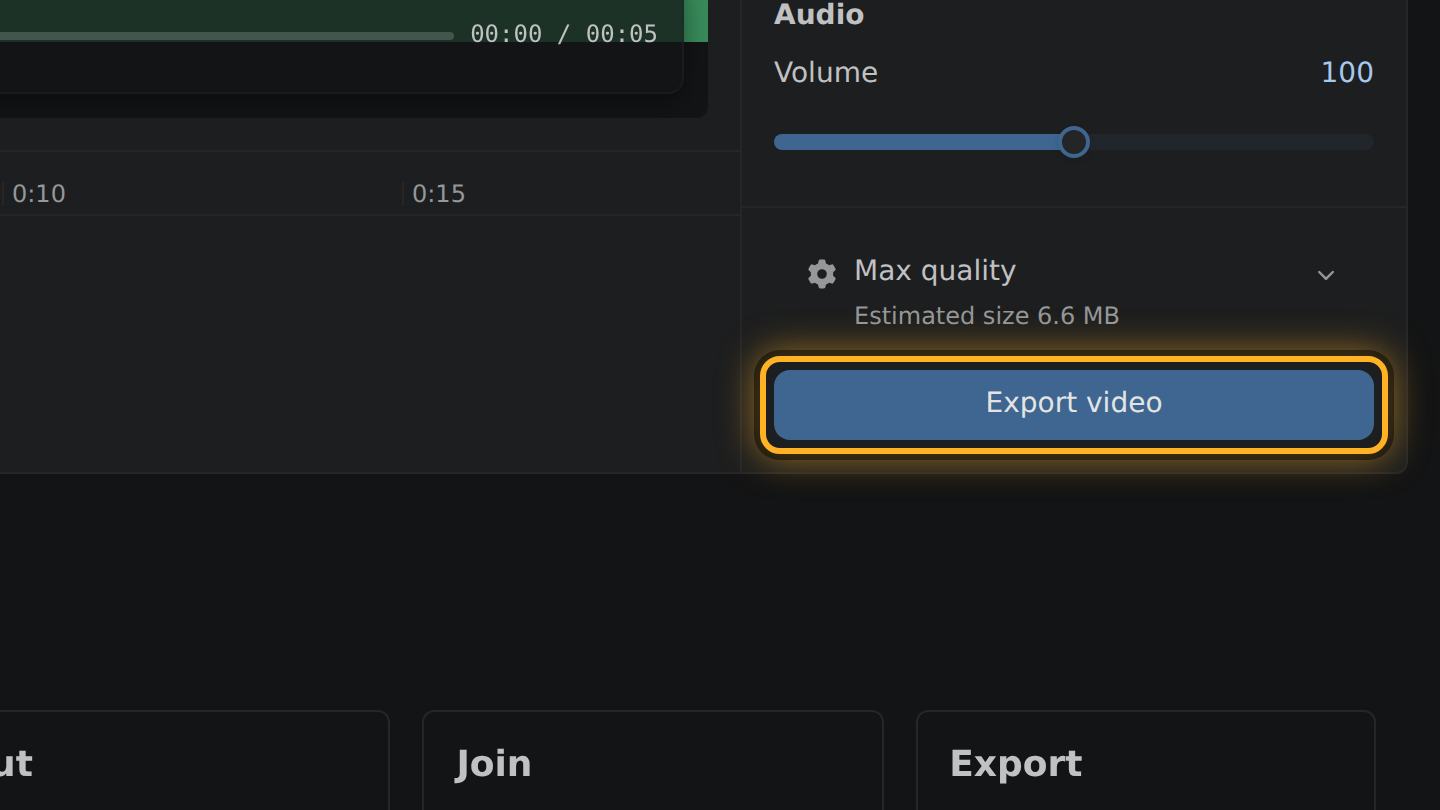
- Select Export video, then Save video.
What to know
- Edit Videos does three things: it trims, it joins and it sets the volume. It has no effects, templates, captions or titles.
- Your video is not uploaded. Your browser does the cutting on your own device.
- Nothing is added to the result: no watermark and no ending clip.
- There is no account and no saved project. Reload the page and it starts fresh.
What CapCut says of itself
- CapCut's page for its online editor puts signing up or signing in in its first step, "Upload video". capcut.com, checked October 11, 2026
- The same page says to upload your media files, and names a free cloud storage plan. capcut.com, checked October 11, 2026
- CapCut's help says that in some cases it adds a short ending clip with its logo, and that deleting the clip before you export removes it. capcut.com, checked October 11, 2026
Questions
Can Edit Videos do what CapCut does?
No. It only trims, joins and sets the volume. For effects, text or templates you need a full editor.
When is a quick trim enough?
When the video is already what you want and only too long: a phone clip, a game capture, a screen recording.
Do I need to install anything?
No. Edit Videos is a web page. It runs in the browser you already have, if that browser can encode video; the editor checks when it opens.

Thiago Vitorino leads the Edit Videos Team. His articles draw on 22 years of building for the web, with TypeScript, Rust and front-end performance.
More guides
Cut a video in a web page that never receives it. No upload, no account, no watermark, free.
Trim or join a video in your browser without signing in to anything. No upload, no watermark.
Cut a video down to the part you want, entirely in your browser. No upload, no install.