A Clipchamp alternative with no account
Trim or join a video in your browser without signing in to anything. No upload, no watermark.
Here is how to trim or join a video without an account, easily, privately (no uploading!) and for free. Edit Videos is an alternative to Clipchamp that our team maintains: a free online tool with no sign-in at all. Follow the steps below.
Steps
- Go to Edit Videos. No sign-in screen comes first.
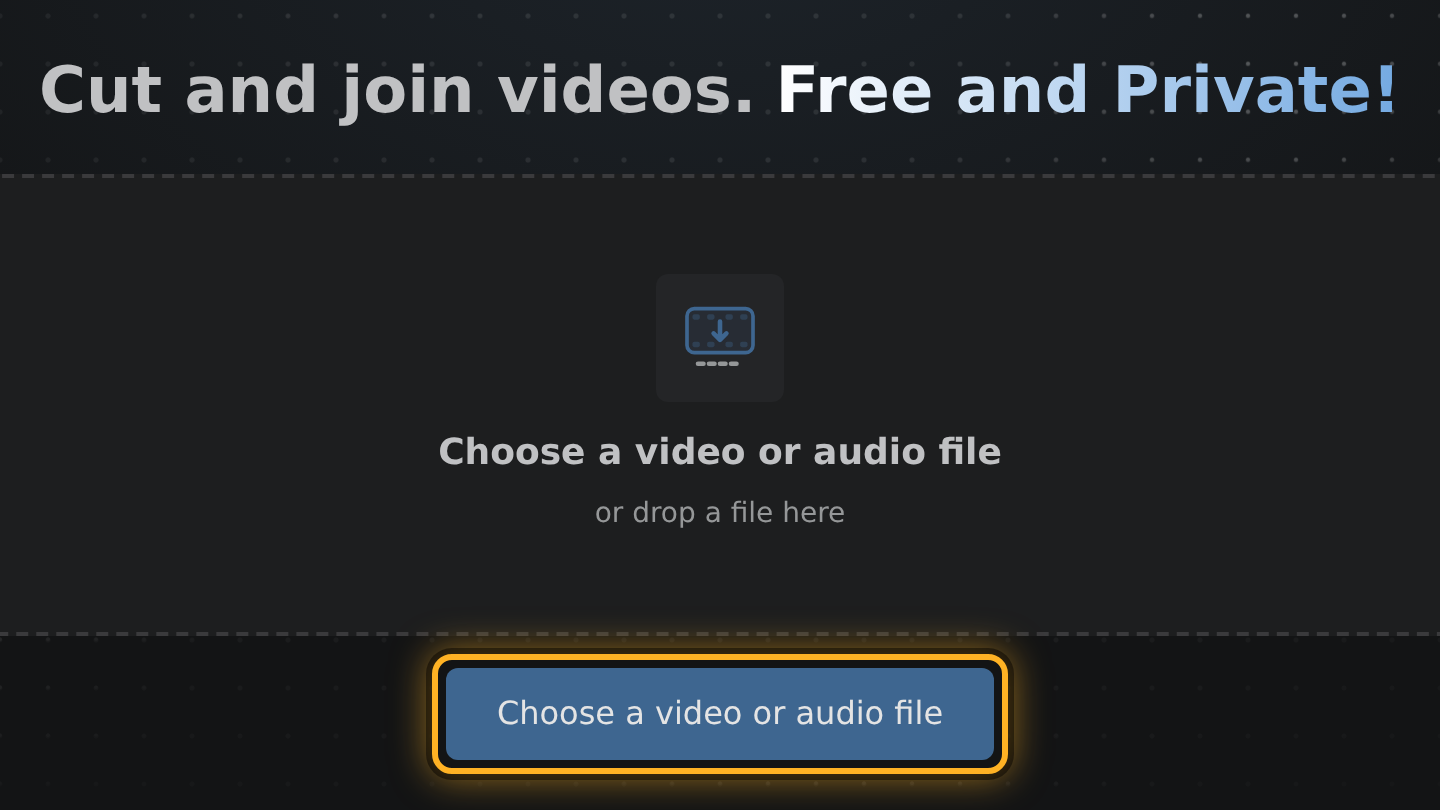
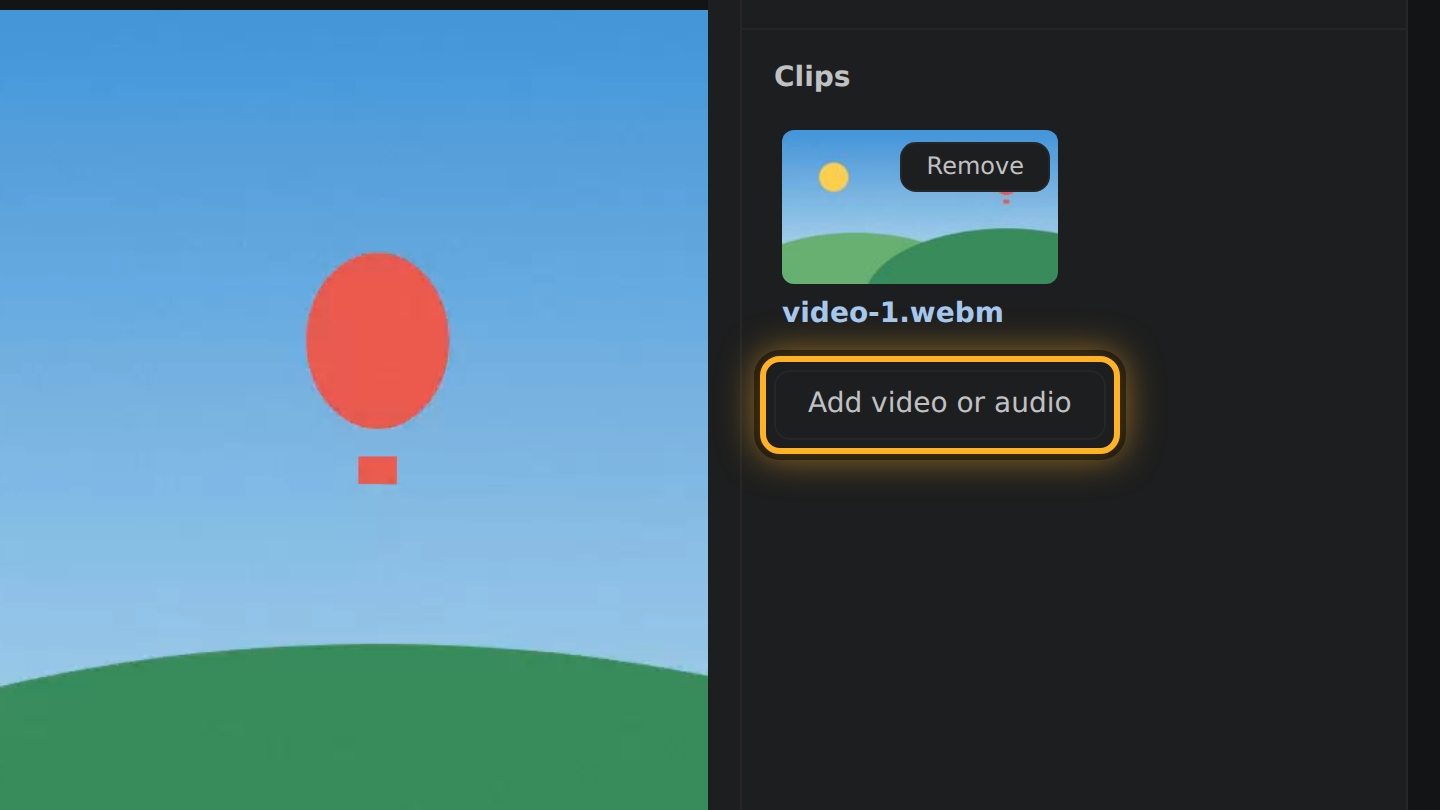
- Select Choose a video or audio file and pick the video on your device. To join videos, select Add video or audio under Clips and pick the next one.
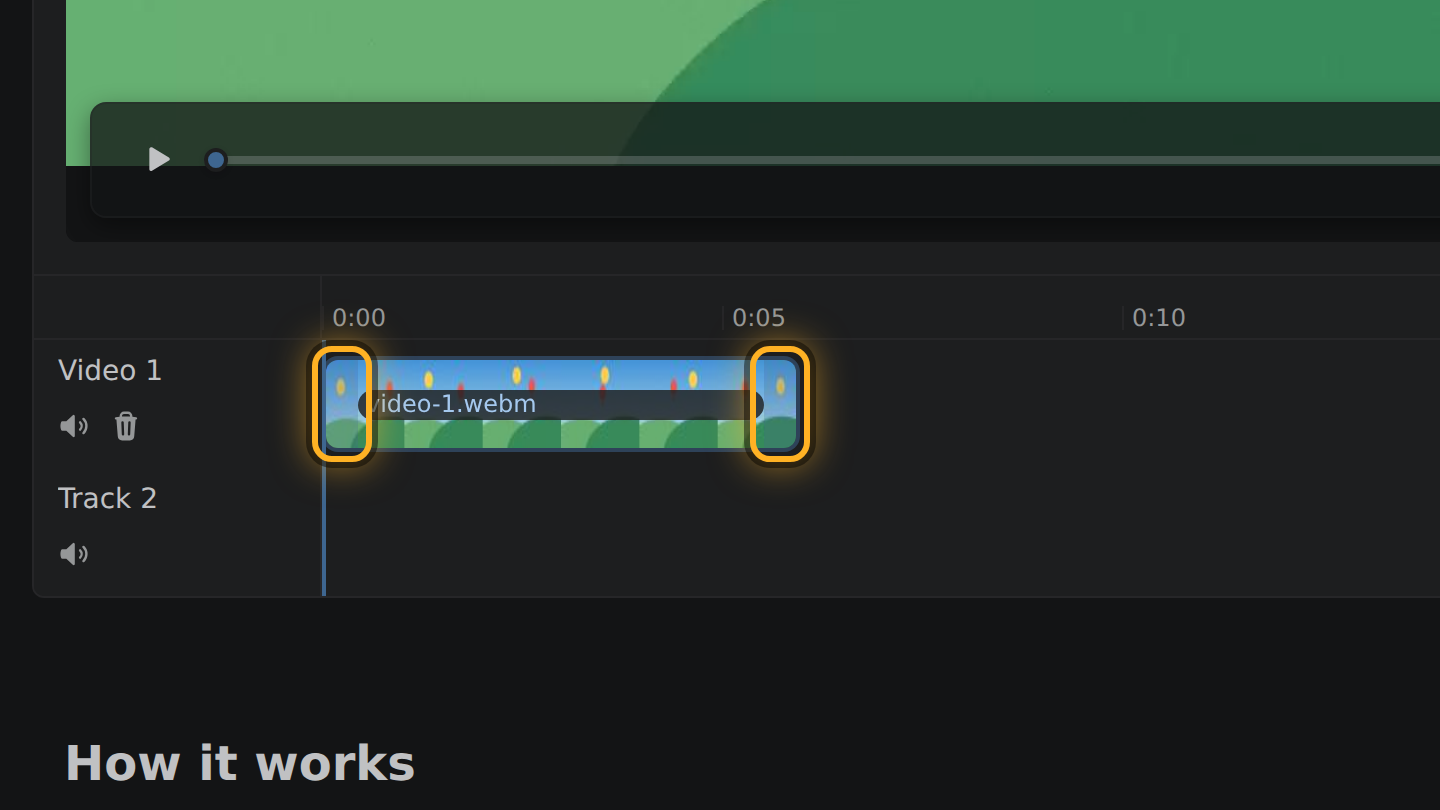
- Each video is a bar in the timeline, the strip under the video. Shorten one by dragging its ends inward.
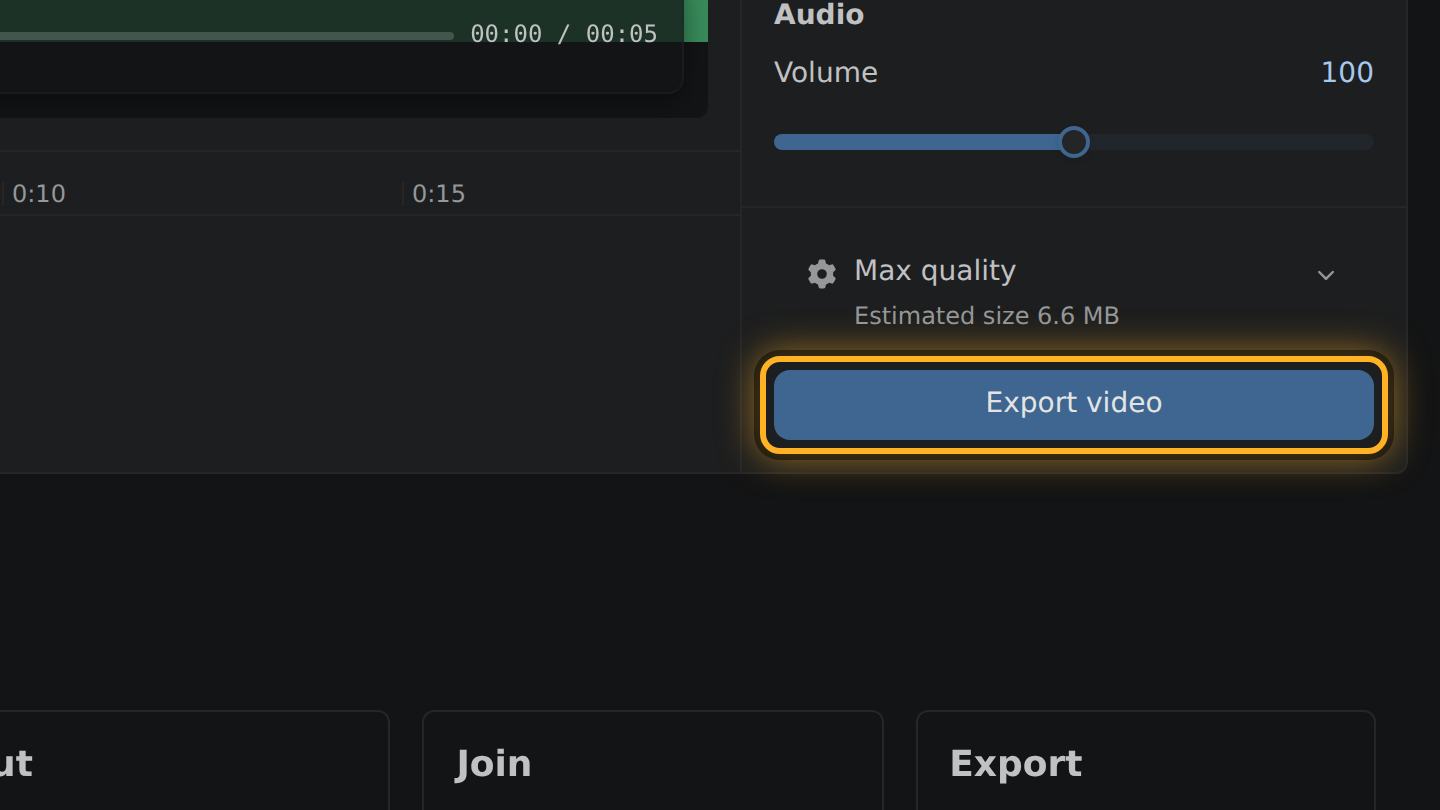
- Select Export video, then Save video.
What to know
- Edit Videos has no accounts, so there is nothing to sign in to, on any device.
- It does not keep projects. What you take away is the exported MP4 file.
- It is free, with no paid plan, and the page carries ads. The export has no watermark.
- It goes by what your browser can do, not by its name: a browser that can decode and encode video runs it.
What Clipchamp says of itself
- Microsoft's help says to sign in to Clipchamp with a personal Microsoft account, or with a work or school account from your organization. support.microsoft.com, checked October 11, 2026
- Microsoft says the personal version of Clipchamp does not upload your media files for processing: they stay on your computer unless you turn on content backup or use a sharing option. support.microsoft.com, checked October 11, 2026
- Clipchamp's pricing page says it exports up to 1080p for free, with no watermarks. clipchamp.com, checked October 11, 2026
- Microsoft's help recommends the desktop version of Edge or Chrome for Clipchamp, and says its desktop editor is not supported in Android or iOS mobile browsers. support.microsoft.com, checked October 11, 2026
Questions
Does Edit Videos need a Microsoft account?
No. It has no accounts of any kind and asks for no email address.
Can I keep a project and finish it later?
No. Edit Videos does not save projects. It is made for an edit you finish in one sitting.
Is Edit Videos a full video editor?
No. It trims, joins and sets the volume, and that is all. It has no titles, transitions or effects.

Thiago Vitorino leads the Edit Videos Team. His articles draw on 22 years of building for the web, with TypeScript, Rust and front-end performance.
More guides
Cut a video in a web page that never receives it. No upload, no account, no watermark, free.
Trim or join a video in your browser, with no upload, no account and no app to install.
Cut a video down to the part you want, entirely in your browser. No upload, no install.