An online video cutter with no upload
Cut a video in a web page that never receives it. No upload, no account, no watermark, free.
Here is how to cut a video online easily, privately (no uploading!) and for free. Edit Videos is the free online tool our team maintains so you can cut videos without sending them anywhere and much more. Follow the steps below.
Steps
- Open Edit Videos in your browser. There is nothing to install and no account to make.
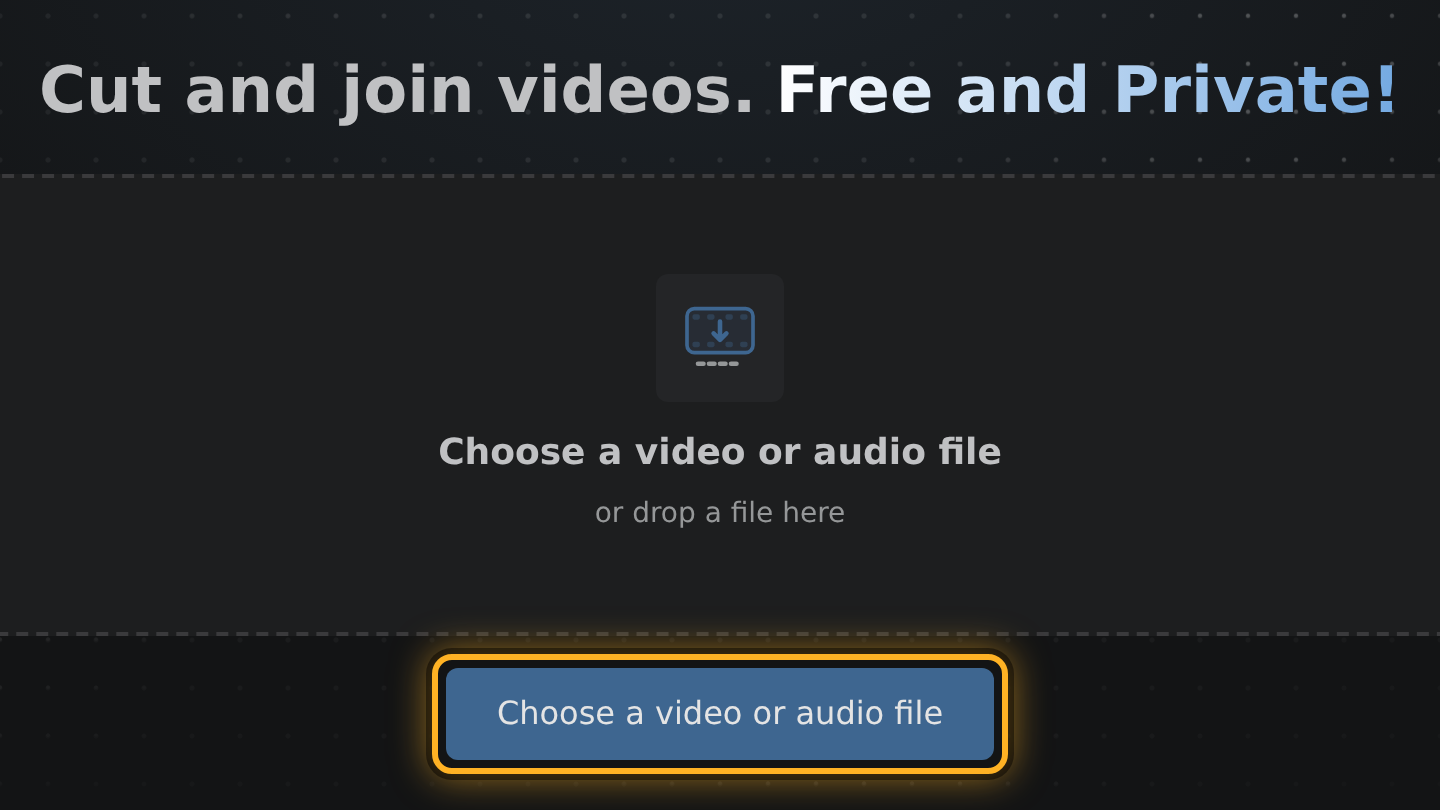
- Select Choose a video or audio file and pick the video from your device. Nothing is sent anywhere, so there is no upload to wait for.
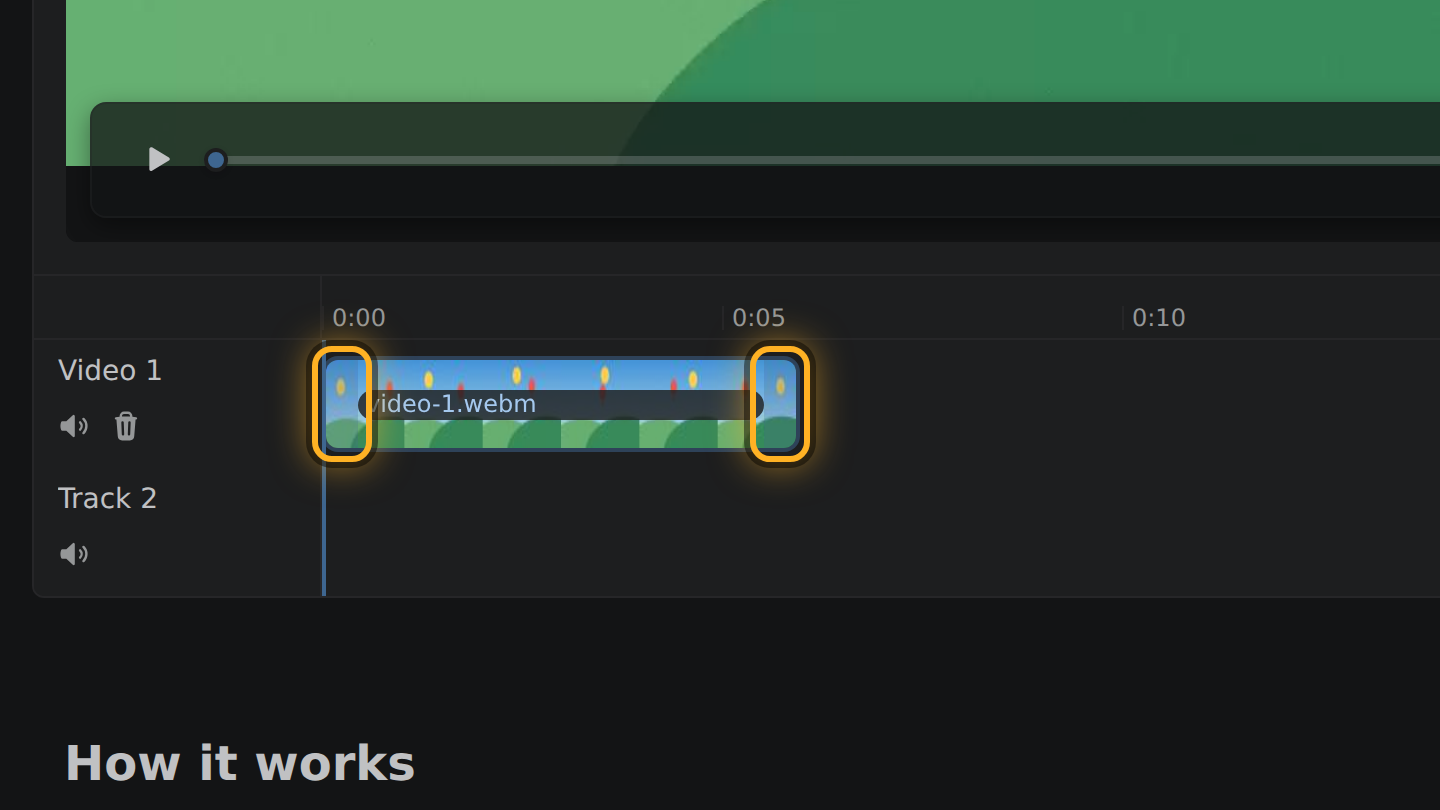
- Your video is a bar in the timeline, the strip under the video: drag the bar's ends inward to keep the part you want. To drop a part from the middle, right-click the bar where that part begins and select Cut at, do the same where it ends, then select the piece between and press Delete.
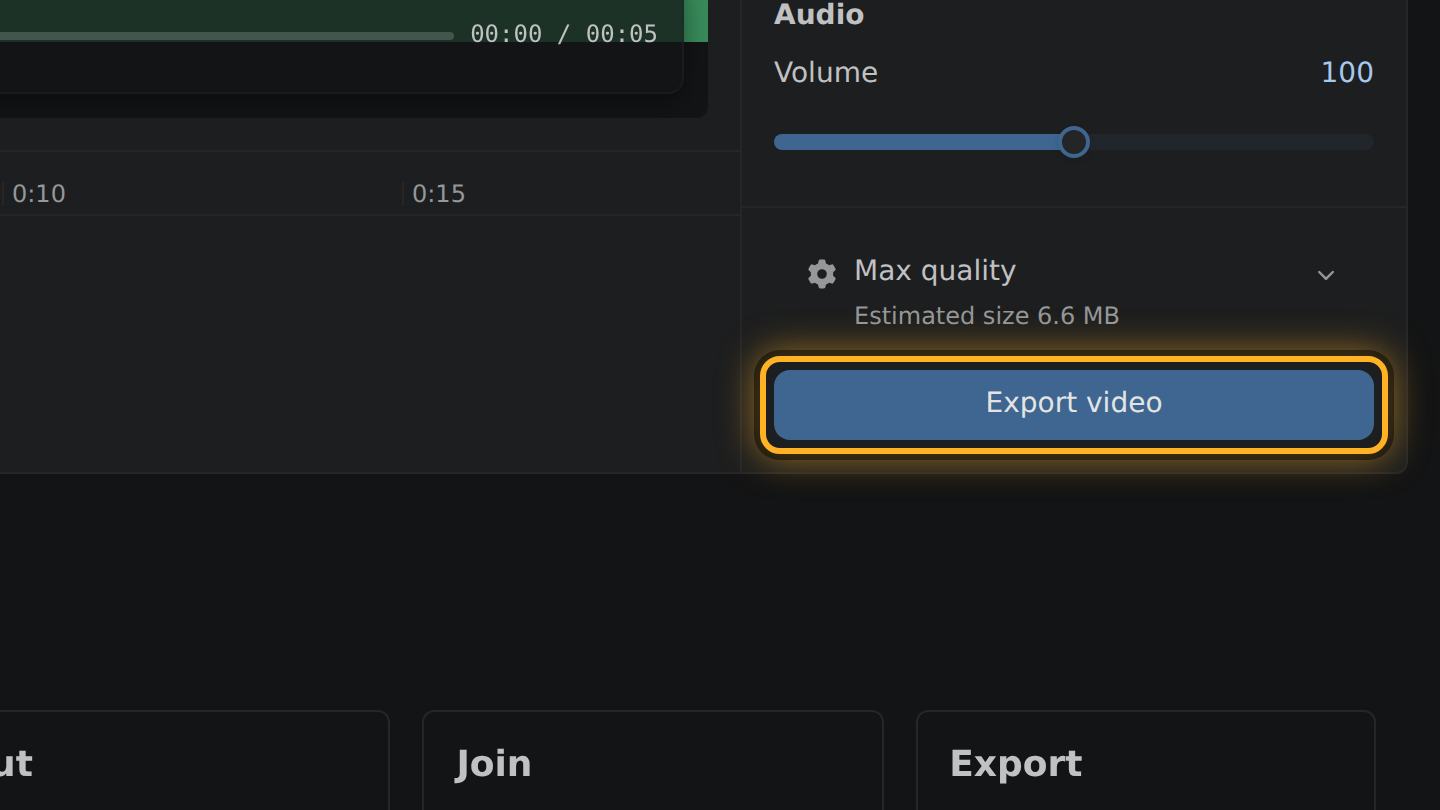
- Select Export video, then Save video.
What to know
- An online video cutter works in one of two ways: it sends your file to a server that cuts it, or it cuts the file in your browser. Edit Videos works the second way.
- With no upload, how long it takes depends on your device, not on your connection.
- No file name and nothing else from your video is sent to an ad network or any other third party.
- It is free and paid for by the ads on the page. There is no account to make, no paid plan and no watermark on the result.
Questions
How can a web page cut a video without a server?
Browsers can now decode and encode video by themselves. Edit Videos uses that, so the work a server used to do is done by your own device.
What happens to my video when I close the page?
Nothing: it was never anywhere but on your device. Edit Videos saves no project either, so a reload starts fresh.
Does it work on a phone?
Yes, when the phone's browser can decode and encode video by itself. The editor checks when it opens and tells you if it cannot.

Thiago Vitorino leads the Edit Videos Team. His articles draw on 22 years of building for the web, with TypeScript, Rust and front-end performance.
More guides
Trim or join a video in your browser, with no upload, no account and no app to install.
Trim or join a video in your browser without signing in to anything. No upload, no watermark.
Cut a video down to the part you want, entirely in your browser. No upload, no install.