A Clideo alternative with no upload
Cut a video in your browser without sending it anywhere, with no watermark and no account.
Edit Videos cuts a video without uploading it, which is the main way it differs from Clideo: your browser reads the file from your disk, you drag the two ends of its bar, and the result is saved straight back. There is no wait for an upload or a download, no size cap on the free use and no watermark. Clideo still does things this page cannot, such as opening older formats, and the sections below say which.
Steps
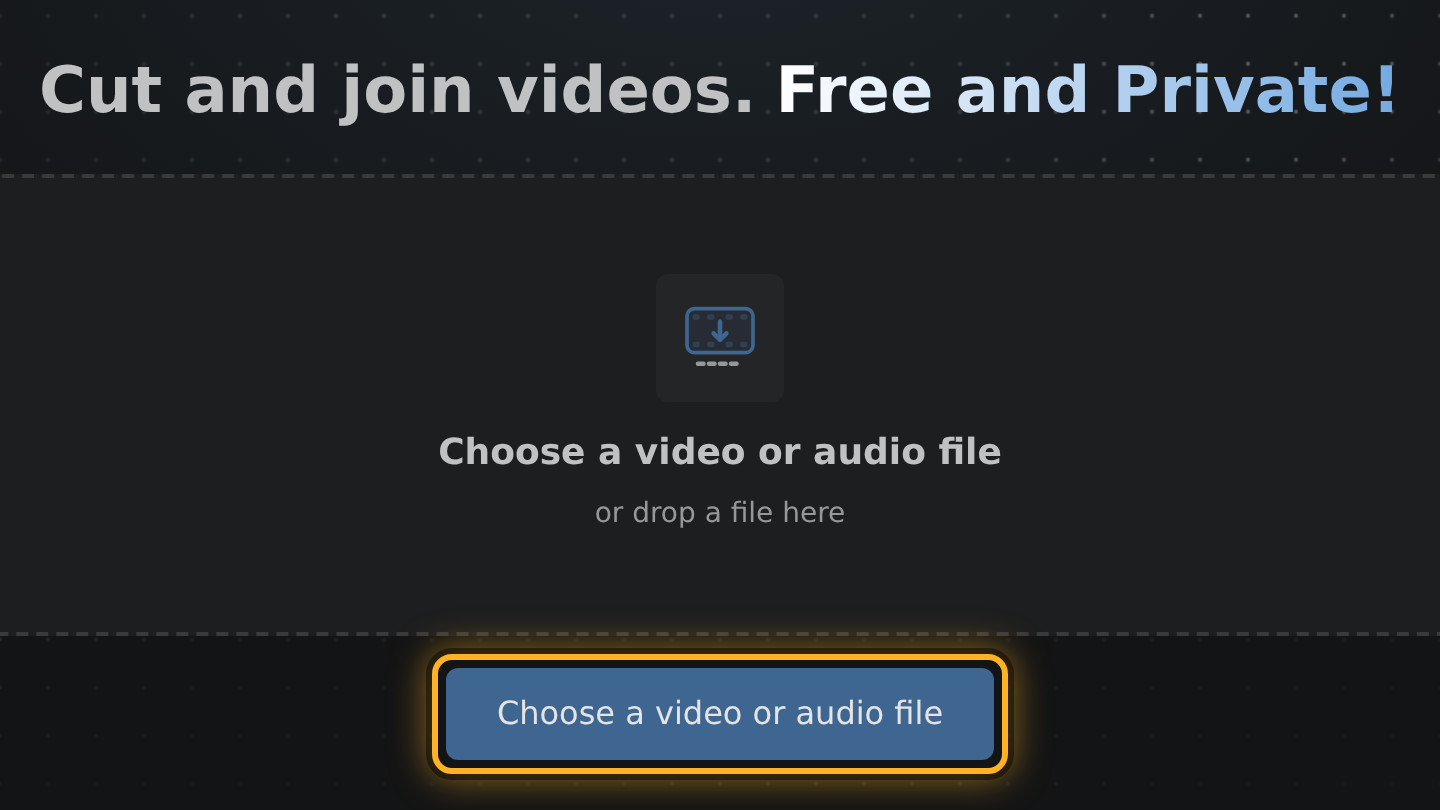
- Open Edit Videos in a browser tab, select Choose a video, audio or picture and pick the video to cut.
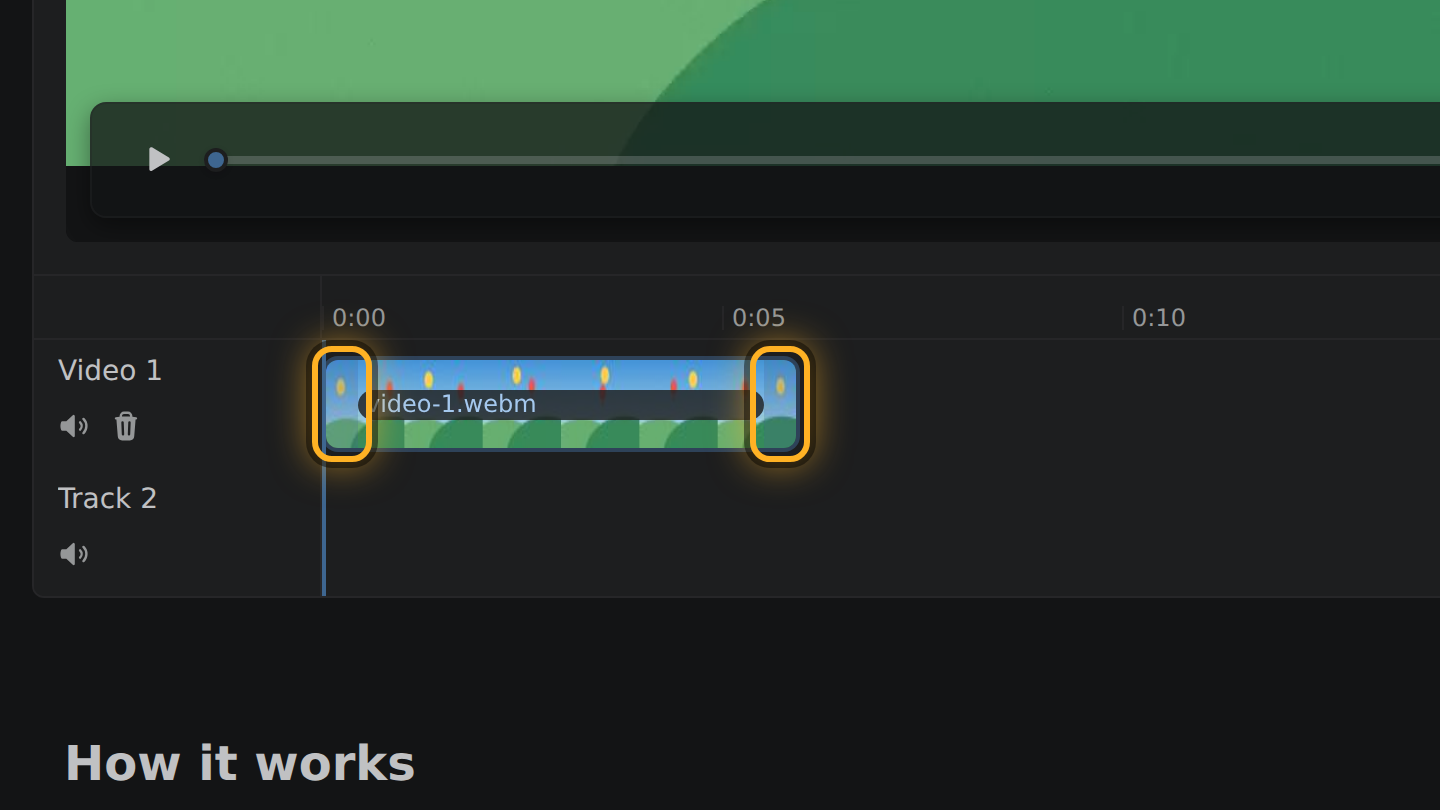
- Drag the left end of the video's bar in the timeline to the first moment you want, and the right end to the last.
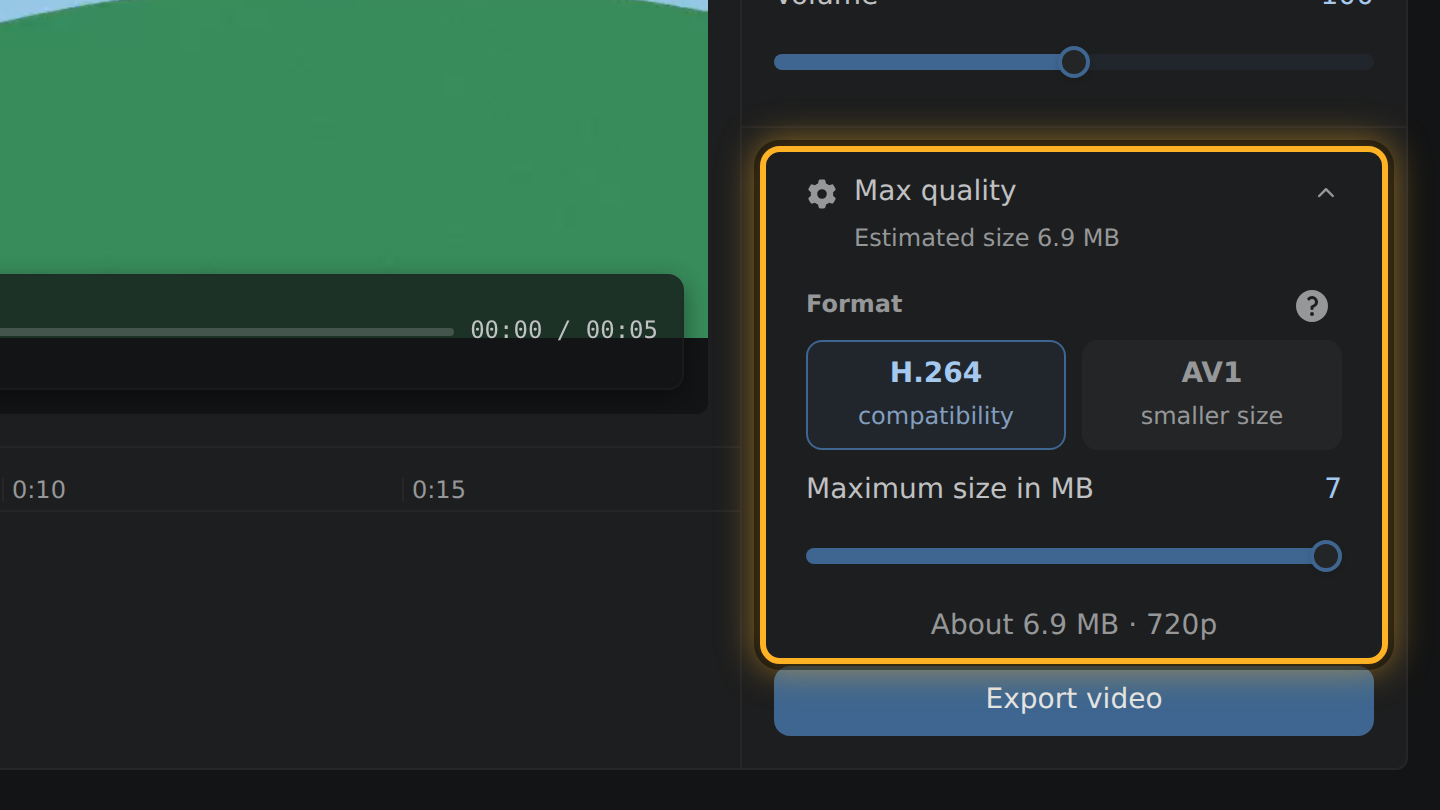
- Look above the Export video button. The size line says about how big the file will be, and its slider sets a smaller size if you need one.
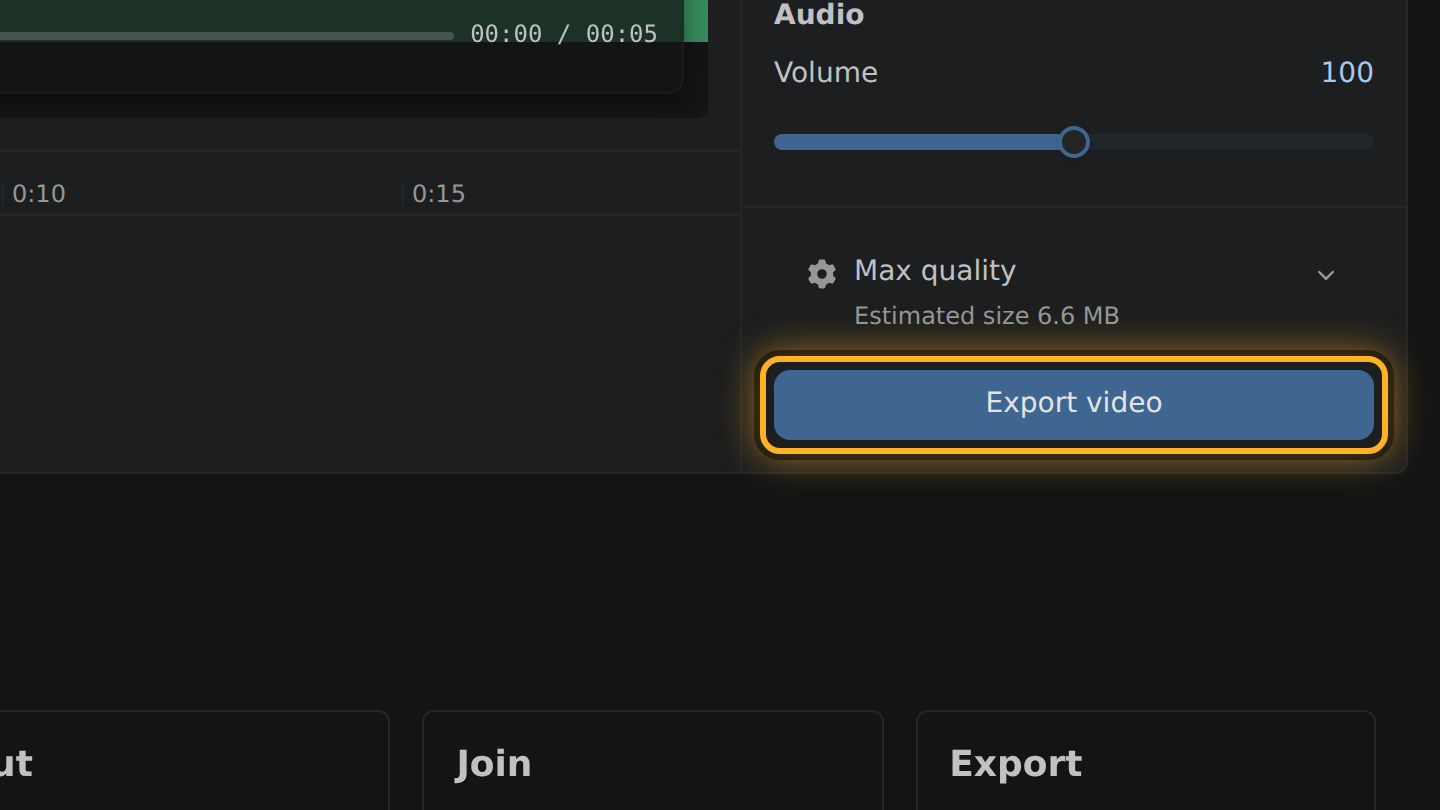
- Select Export video, then Save video.
The round trip an upload adds
An upload cutter works on a copy of your video on its own computers. The file travels up first, the cut happens there, and the result travels back down. On a home connection the trip up is the slow half, since upload speeds are usually a fraction of download speeds: a 500 MB phone video takes about seven minutes to send at 10 megabits a second, before any cutting starts.
Here that trip does not exist. The page loads, then the video is read where it already is, on your disk, and the cut is written back to it. The 500 MB file opens without waiting for any transfer. The time that is left is the export itself, which depends on your device and the video's length, not on your connection.
What the free result looks like
The other cutter's own page says a free cut carries a small watermark, and that a paid plan removes it. On this page there is no plan to buy and nothing to remove: the export is your frames and your sound, and the saved name is the original's with "-edited" added.
The size is known before you start. The line above Export video gives an estimate, worked out from the bitrate each clip came with, so a cut that keeps half of a video weighs about half of it. If the result has to be smaller, for a chat app or a mail, the slider under that line sets a target in megabytes and the export fits it.
Where an upload cutter is the better tool
The format is the clearest case. This editor opens what your browser can decode, which means MP4, MOV and WebM, and it always saves MP4. An AVI from an old camera, a WMV from a Windows recording or a VOB copied off a DVD will not open here, and a server-side tool that converts them is the right choice for those files.
Several cuts in one video are the other case, and here the answer goes the other way. The other site sends that job to its fuller editor; here it is the same timeline. Right-click the bar where a bad part begins and select Cut at, do it again where it ends, remove the middle piece, and repeat as often as you need.
What to know
- Your video is not sent to a server. Your browser does the cutting on your own device.
- Nothing is added to the result. It carries no watermark and no ending clip.
- Edit Videos is free and has no paid plan. The page has ads.
- It cuts, joins and sets the volume, and little else. It has no filters, text or effects.
What Clideo says of itself
- Clideo's page for its video cutter says free users can cut, with a little watermark on processed videos. clideo.com, checked November 1, 2026
- The same page speaks of your uploaded files, and says only you can access them. clideo.com, checked November 1, 2026
- The same page says Clideo lets you trim a video of up to 500 MB for free. clideo.com, checked November 1, 2026
- The same page names AVI, MP4, VOB, MPG and MOV among the formats it takes, and offers to convert the result to another format. clideo.com, checked November 1, 2026
- The same page says that to cut out several segments, you use Clideo's all-in-one video editor. clideo.com, checked November 1, 2026
Questions
Does Edit Videos add a watermark?
No. The export has nothing added.
Is my video sent anywhere?
No. It is read and cut in your browser. Edit Videos has no server that edits video; a video leaves only when you share it.
What does Edit Videos not do that Clideo does?
It does less: no filters, text or effects, and no conversion tools. If you need those, pick a fuller editor.
Can Edit Videos open an AVI or WMV file?
No. It opens MP4, MOV and WebM, the formats a browser can decode. Convert an AVI or WMV to MP4 first, then cut the MP4 here, or use a tool that takes the older format directly.

Thiago Vitorino leads the Edit Videos Team. His articles draw on 22 years of building for the web, with TypeScript, Rust and front-end performance.
More guides
Cut a video in a web page that never receives it. No upload, no account, no watermark, free.
Trim or join a video in your browser, with no upload, no account and no app to install.
Trim or join a video in your browser without signing in to anything. No upload, no watermark.