How to combine video clips from your phone into one
Join several short phone recordings into a single video, in your browser.
Here is how to combine the clips from your phone into one video easily, privately (no uploading!) and for free. Edit Videos is the free online tool our team maintains so you can combine clips and much more. Follow the steps below.
Steps
- Open Edit Videos, select Choose a video or audio file and pick the clip that should play first.

- Under Clips, select Add video or audio and pick the next clip. It goes after the last one.

- Do the same for each clip that follows.
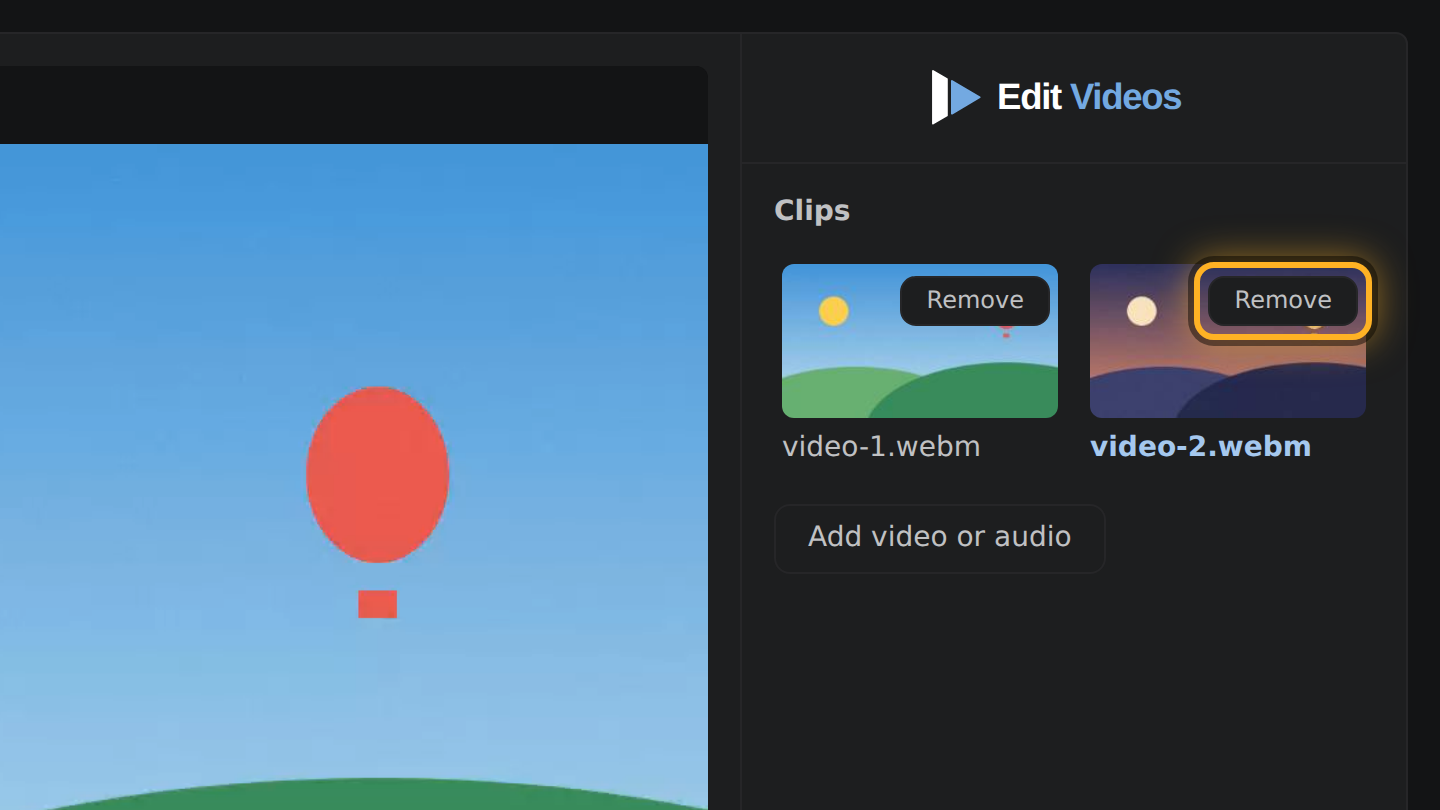
- To drop a clip, select Remove on its picture under Clips.
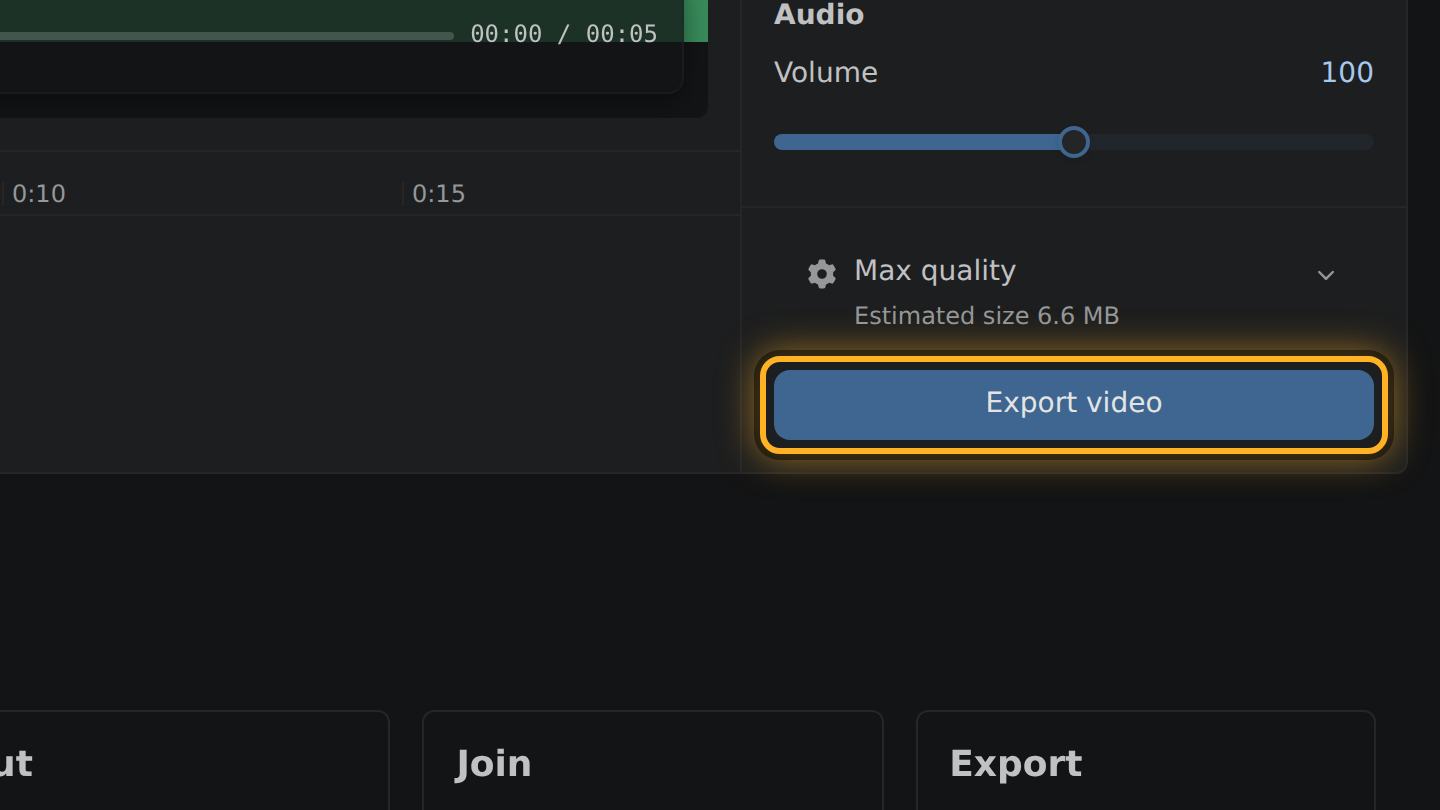
- Select Export video, then Save video.
What to know
- Upright and sideways clips can share one video. The frame is as wide as the widest clip and as tall as the tallest, and each clip is fitted inside it whole, never stretched or cropped.
- The video takes the highest frame rate among the clips.
- Each clip is encoded once, at the bitrate it came with, as H.264 video with Opus sound.
- A clip the phone marked as turned plays the right way up.
Questions
Do the clips need to come from the same phone?
No. Sizes, frame rates and formats can differ; MP4 and MOV clips can be mixed when your browser can decode them.
Why is there empty room beside some clips?
A clip narrower or shorter than the frame is fitted inside it whole, so the rest of the frame has no picture.
Can I shorten a clip before joining?
Yes. Drag its edges on the timeline. Only the part between them goes into the video.

Thiago Vitorino leads the Edit Videos Team. His articles draw on 22 years of building for the web, with TypeScript, Rust and front-end performance.
More guides
Cut the best moment out of a long game recording, in your browser, without uploading the footage.
Trim the start and end of a screen recording, or take a pause out of the middle, before you share it.
Cut a video down, or set its size in megabytes, so it is small enough to send.