How to shorten a video to send in a message
Cut a video down, or set its size in megabytes, so it is small enough to send.
Here is how to shorten a video to send in a message easily, privately (no uploading!) and for free. Edit Videos is the free online tool our team maintains so you can shorten videos and much more. Follow the steps below.
Steps
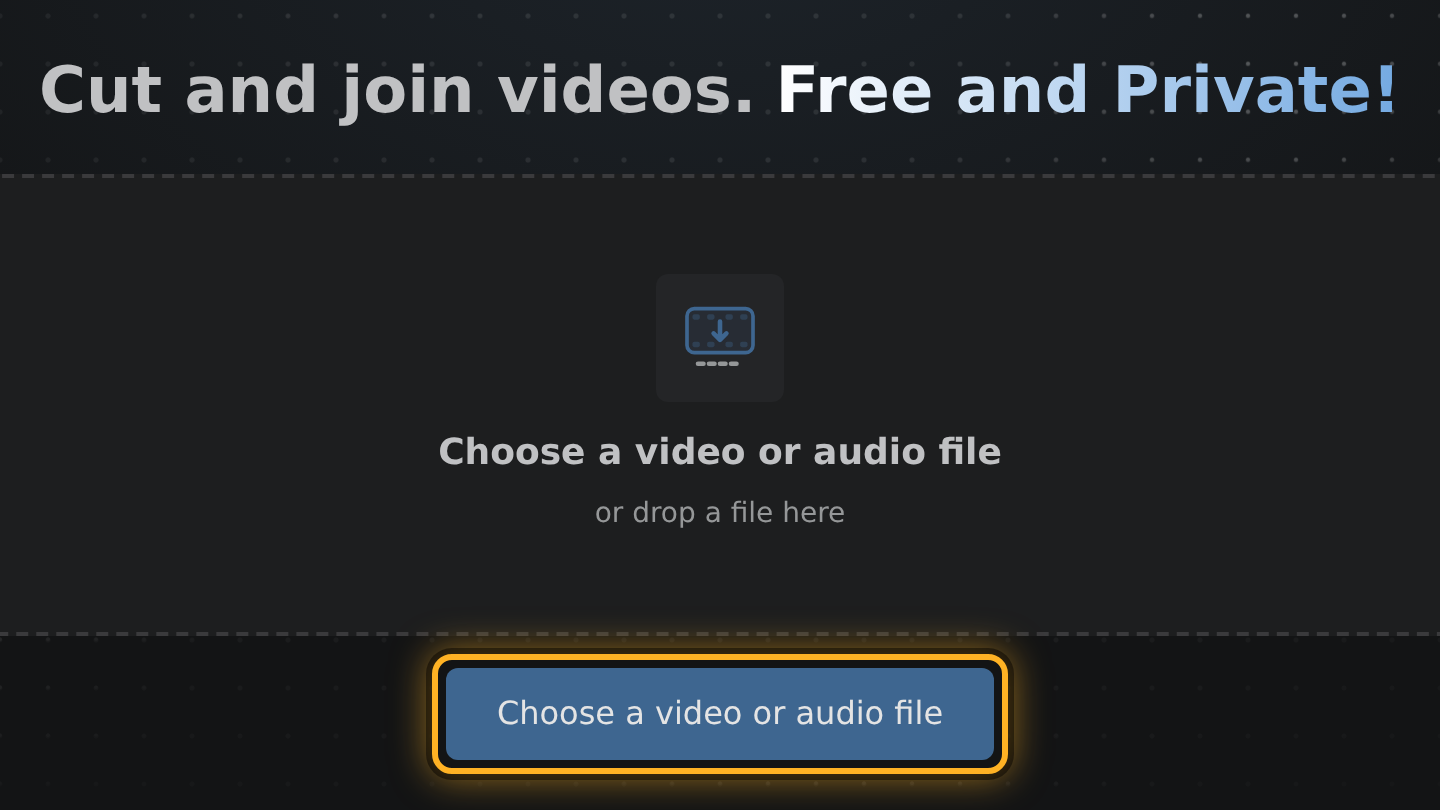
- Open Edit Videos on the device that holds the video, select Choose a video or audio file and pick it.
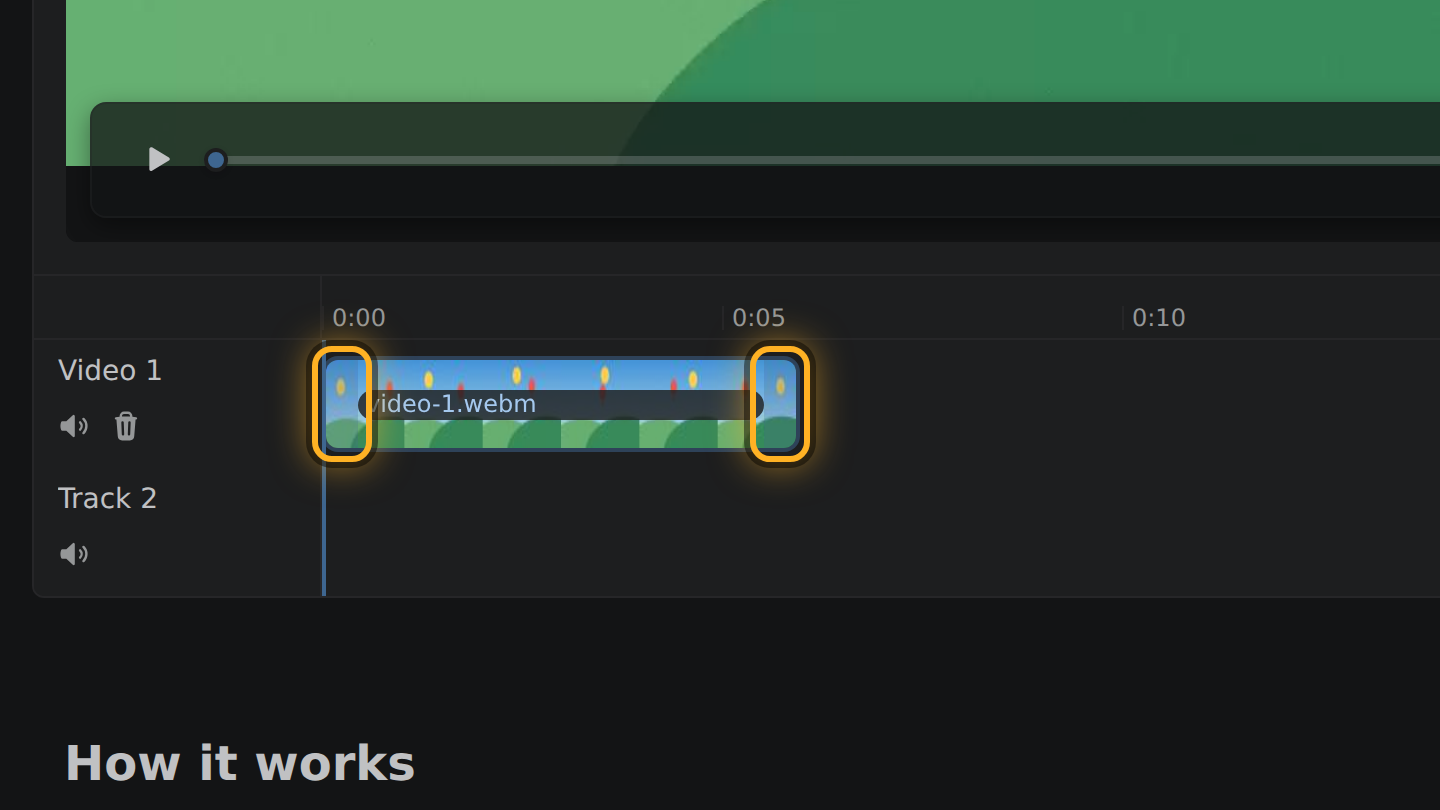
- Your video is the bar in the timeline, under the preview. Drag the bar's ends inward to keep only the part you want to send.
- Look at the line above the Export video button. It shows about how big the file will be.
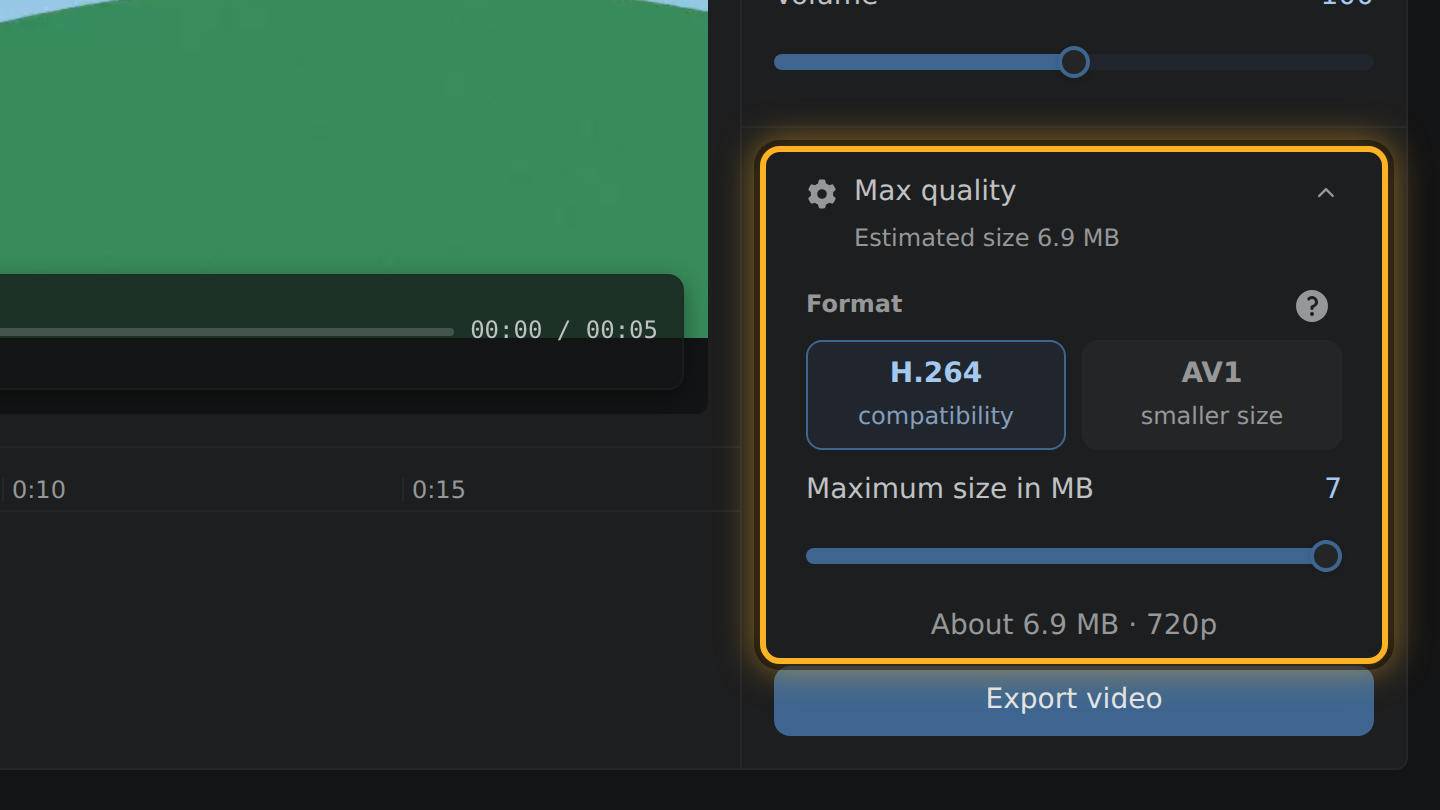
- If it is still too big, select that line and drag the slider that opens down to the size you need.
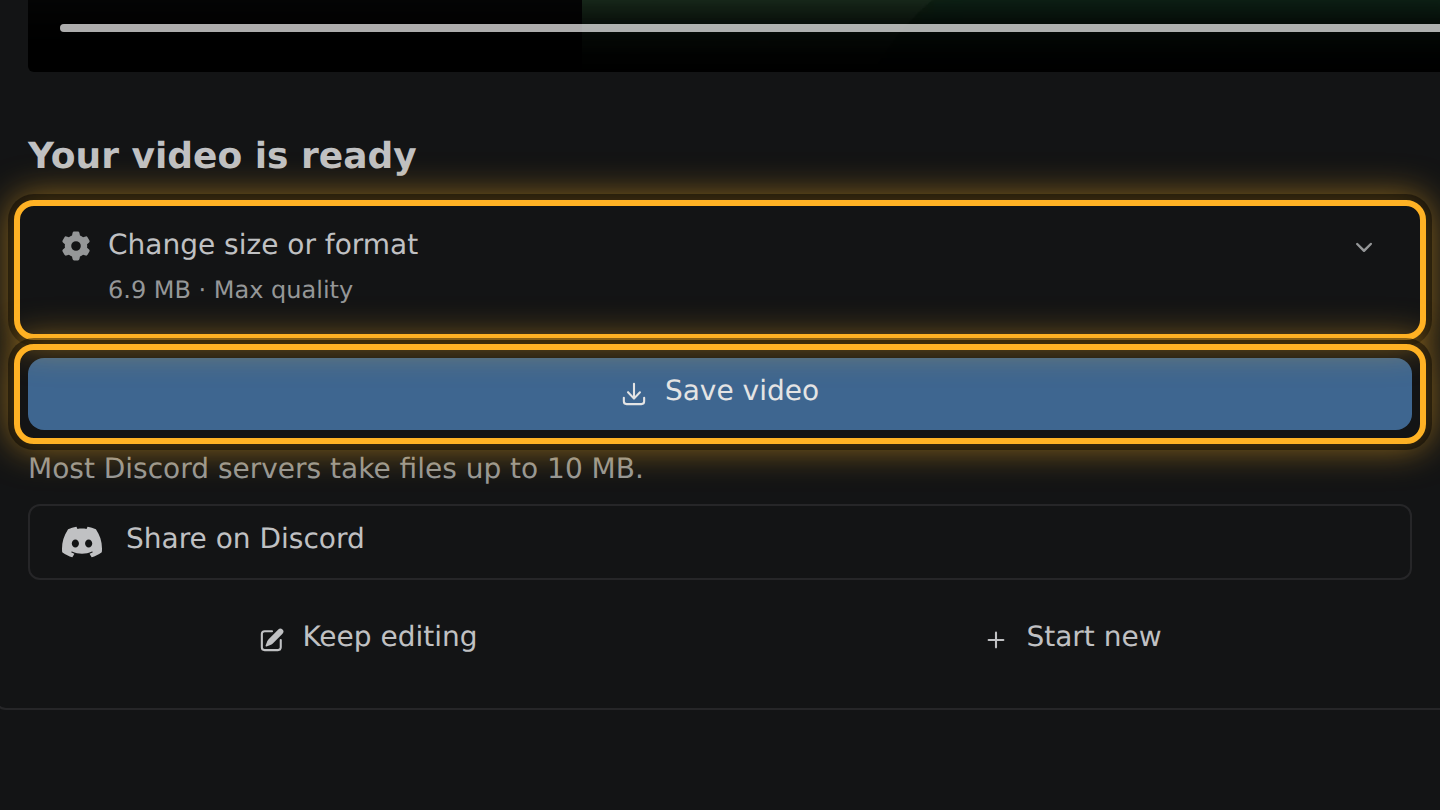
- Select Export video. The next screen shows the real size; select Save video if it fits.
What to know
- The size follows the length. Keep a third of the video and the file weighs about a third.
- The slider sets a maximum size in megabytes. To reach it the editor lowers the bitrate, and the picture size if it has to, and names the picture first, such as 720p.
- When a video is too long for the size you picked, the editor says how much to trim.
- The video is cut on your device and saved there. You send the saved file yourself.
Questions
Is it better to trim or to set a size?
Trim first. Trimming keeps the bitrate of what is left; a smaller size takes bits from every frame.
What if the export comes out over the size I picked?
The next screen says so, with the real size. Select the size there, lower it a little, and select Export again.
How small does it need to be?
That depends on the app. Each one sets its own limit and changes it, so look it up in the app you use and set that number on the slider.

Thiago Vitorino leads the Edit Videos Team. His articles draw on 22 years of building for the web, with TypeScript, Rust and front-end performance.
More guides
Cut the best moment out of a long game recording, in your browser, without uploading the footage.
Trim the start and end of a screen recording, or take a pause out of the middle, before you share it.
Join several short phone recordings into a single video, in your browser.