How to trim game clips
Cut the best moment out of a long game recording, in your browser, without uploading the footage.
Here is how to trim a game clip easily, privately (no uploading!) and for free. Edit Videos is the free online tool our team maintains so you can trim game recordings and much more. Follow the steps below.
Steps
- Open Edit Videos, select Choose a video or audio file and pick the recording.
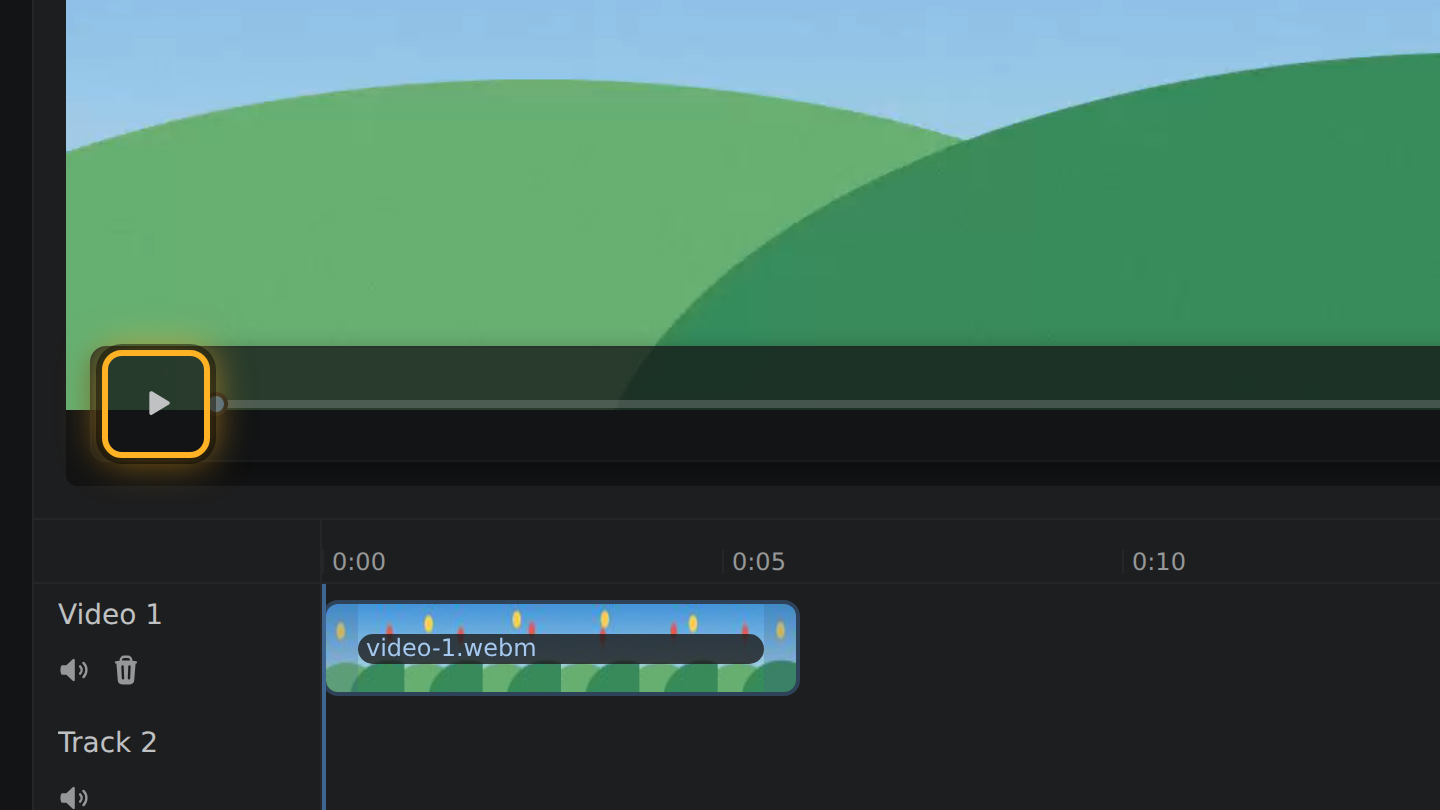
- Select Play under the video and stop at the moment you want. On a keyboard, Left and Right move one second at a time.
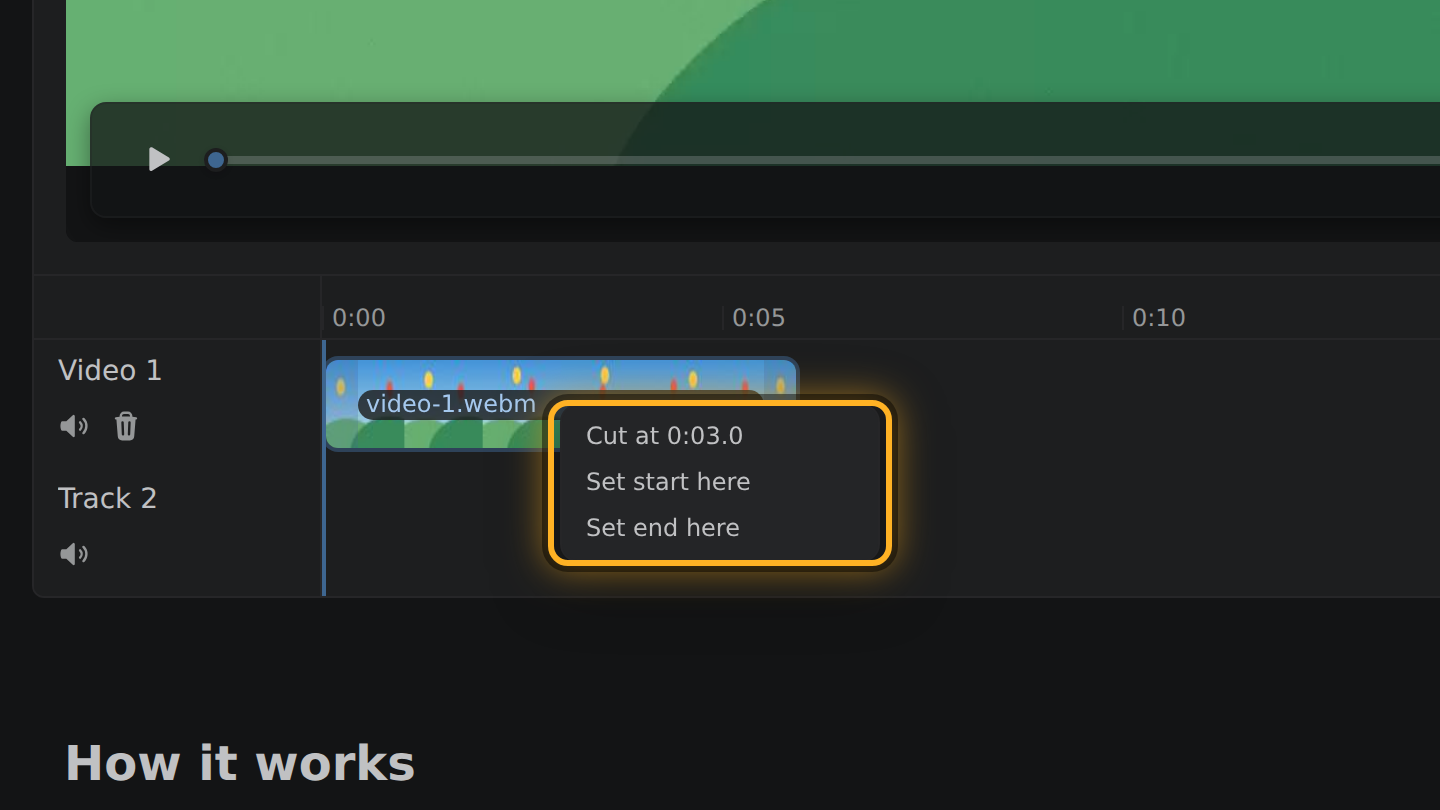
- The recording is a bar in the timeline, the strip under the video. Right-click the bar and select Set start here. At the end of the moment, right-click again and select Set end here.
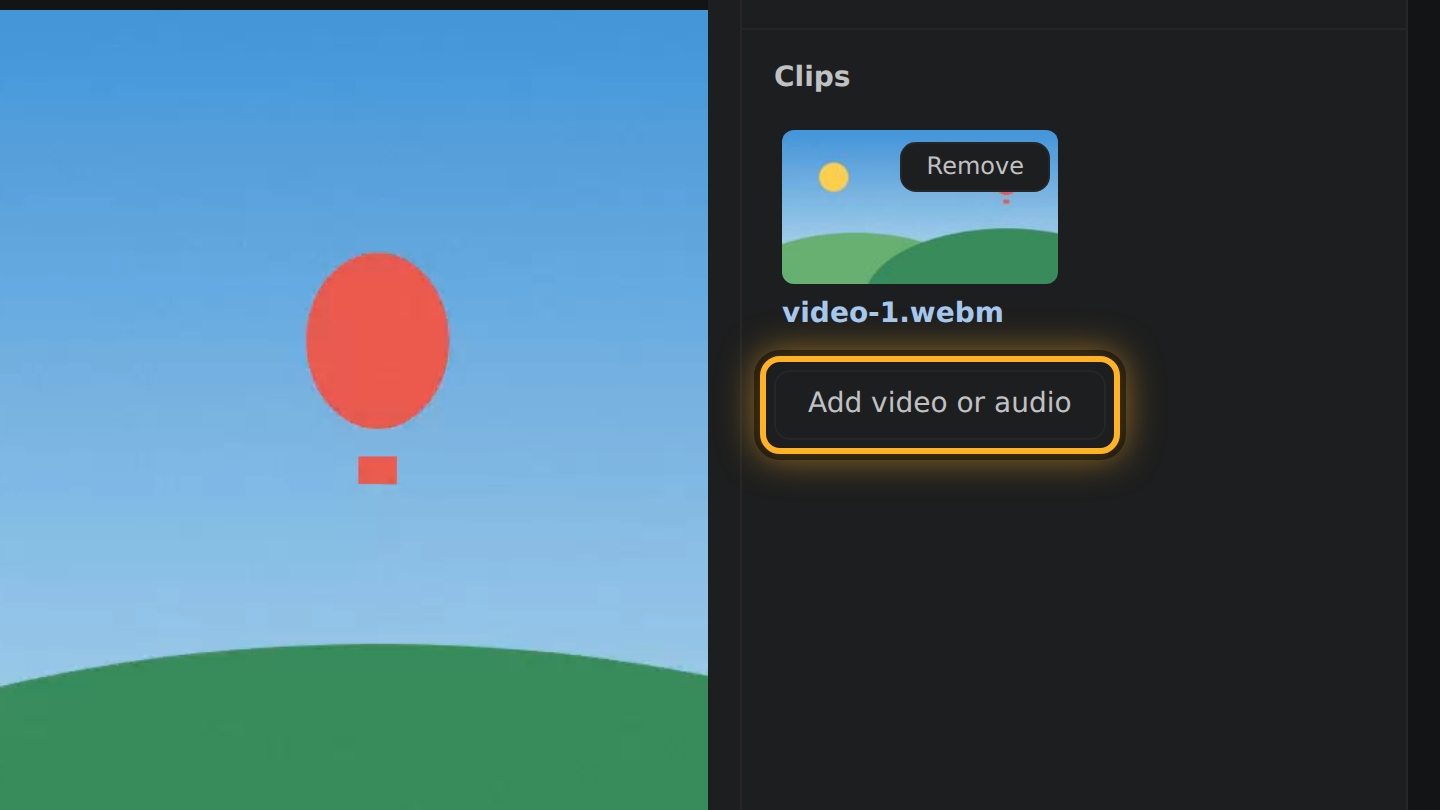
- To add a second moment from another recording, select Add video or audio under Clips and pick it.
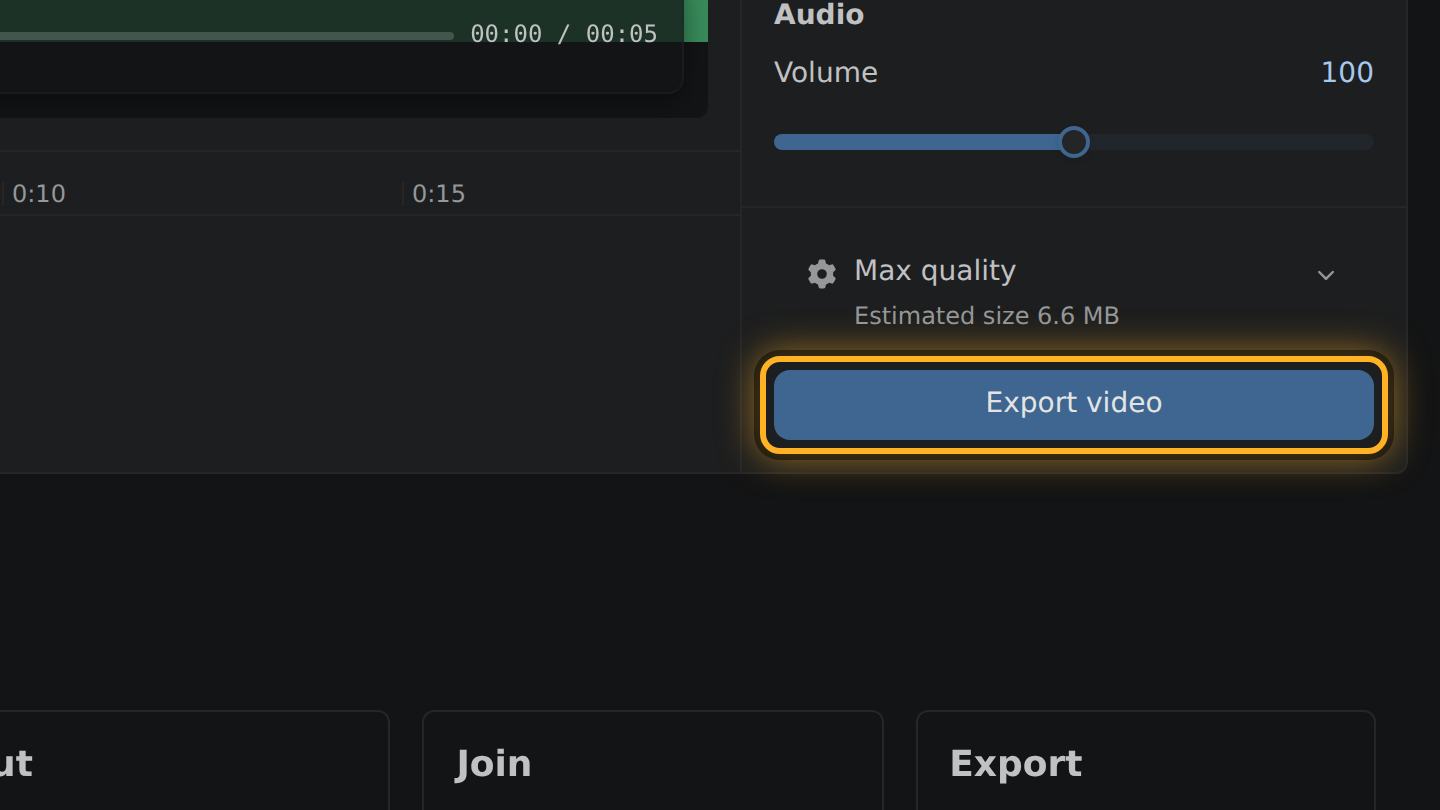
- Select Export video, then Save video.
What to know
- The frame rate is kept. A recording at 60 frames a second comes out at 60.
- Thirty seconds out of a ten-minute recording weigh about a twentieth of the file.
- When the start moves, the picture is encoded once more at the recording's own bitrate, up to about 25 Mbps for 1080p at 60 frames a second.
- The recording is read where it is, on your device. Nothing is uploaded.
Questions
Can I put two moments from one recording in one clip?
Yes. Right-click the recording and select Cut at to split it, then remove the pieces you do not want. What is left on the timeline plays in order as one video.
How do I get under an upload limit?
Select the size line above the Export button and drag the slider to the size you need. It names the picture you will get, such as 720p, before you export.
Is the clip as sharp as the recording?
If only the end moved, it is the same picture, copied. If the start moved, it was encoded once more, at the recording's bitrate.

Thiago Vitorino leads the Edit Videos Team. His articles draw on 22 years of building for the web, with TypeScript, Rust and front-end performance.
More guides
Trim the start and end of a screen recording, or take a pause out of the middle, before you share it.
Cut a video down, or set its size in megabytes, so it is small enough to send.
Join several short phone recordings into a single video, in your browser.