How to compress a video for Discord
Make a video small enough to post on Discord, without uploading it or installing software.
Here is how to compress a video for Discord easily, privately (no uploading!) and for free. Edit Videos is the free online tool our team maintains so you can make videos smaller and much more. Follow the steps below.
Steps
- Select the button on this page. It opens Edit Videos with the size set to 20 MB.
- Select Choose a video or audio file and pick your video.
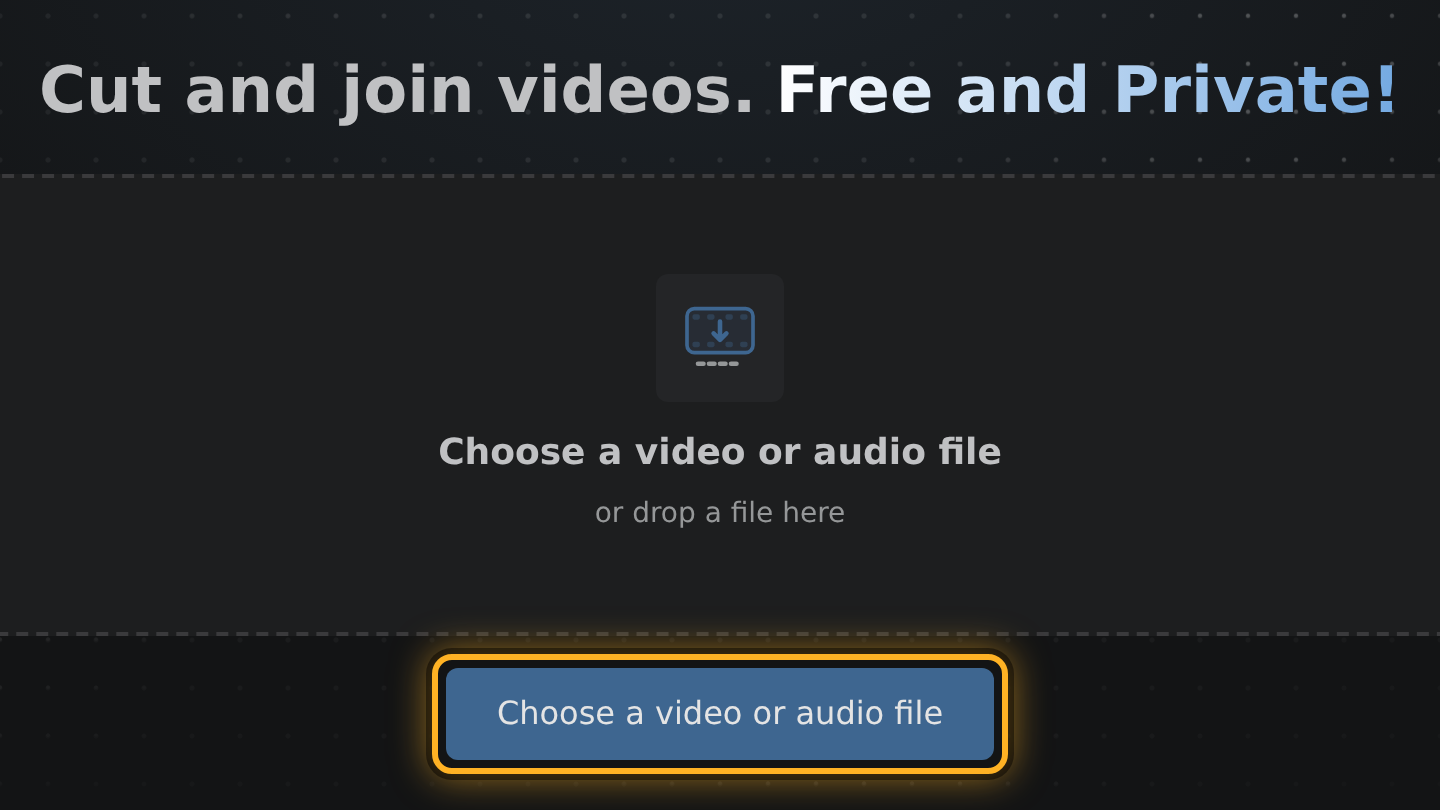
- Look above the Export video button. The line under the size slider says about how big the file will be and at what picture size, such as 720p.
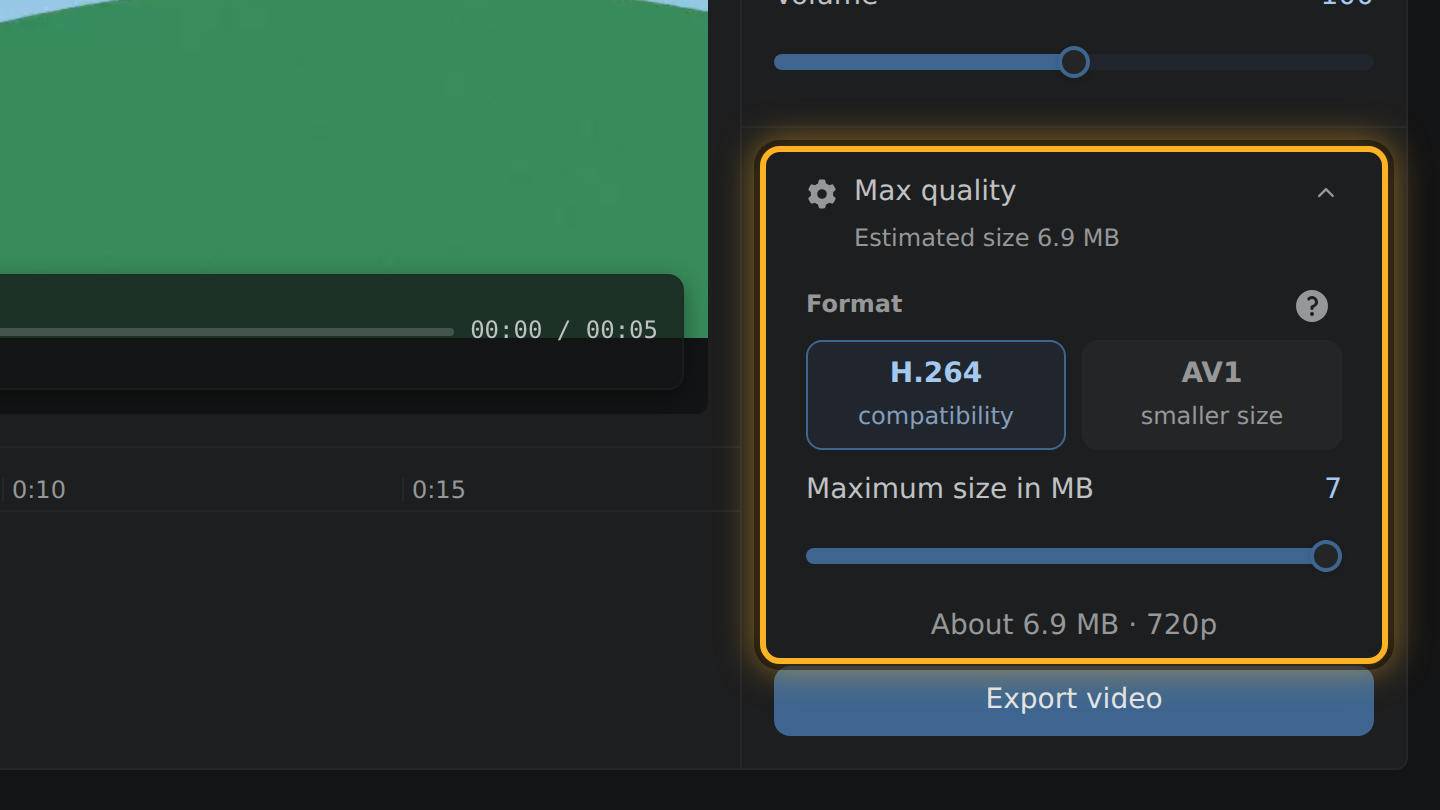
- If it tells you to trim, drag the ends of your video's bar in the timeline inward until it fits.
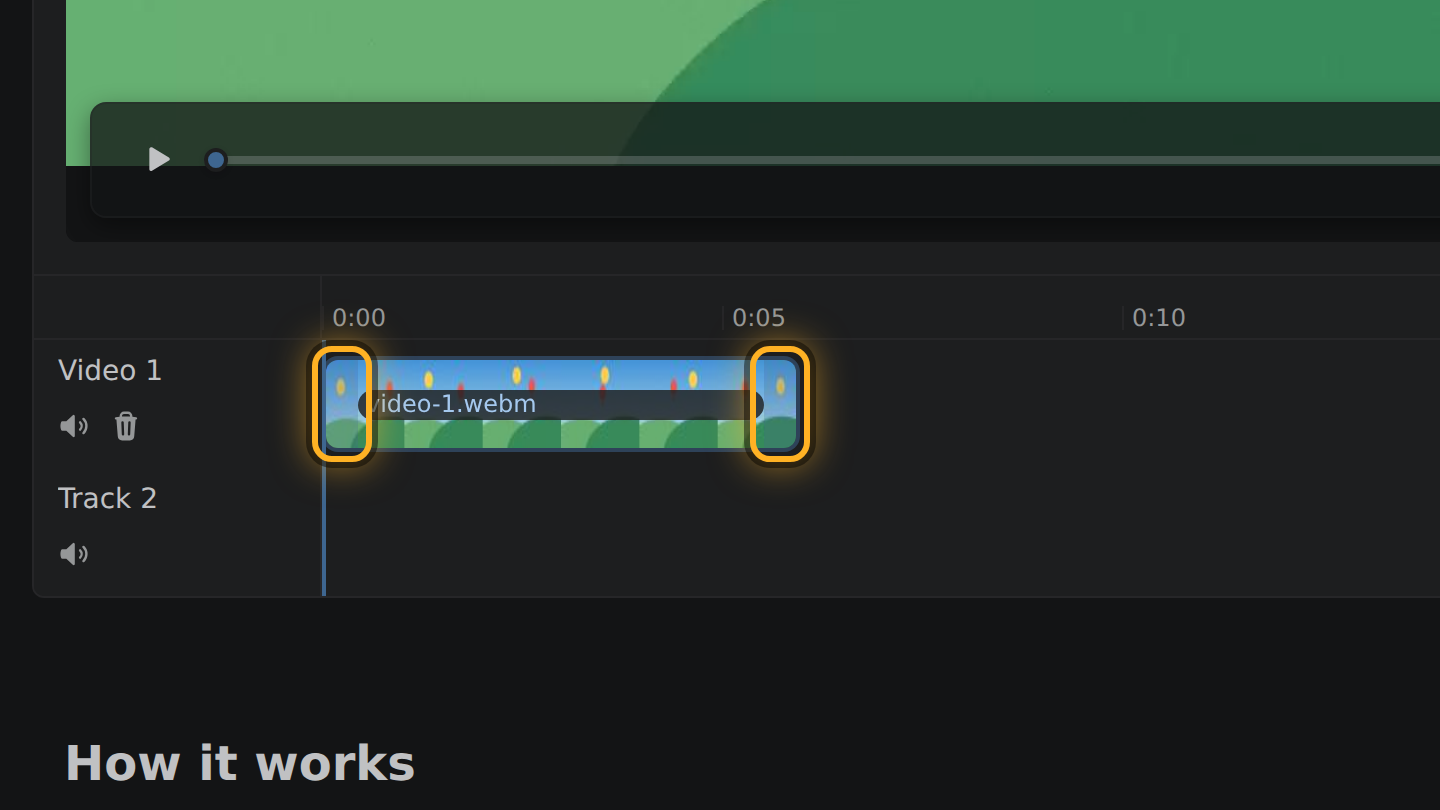
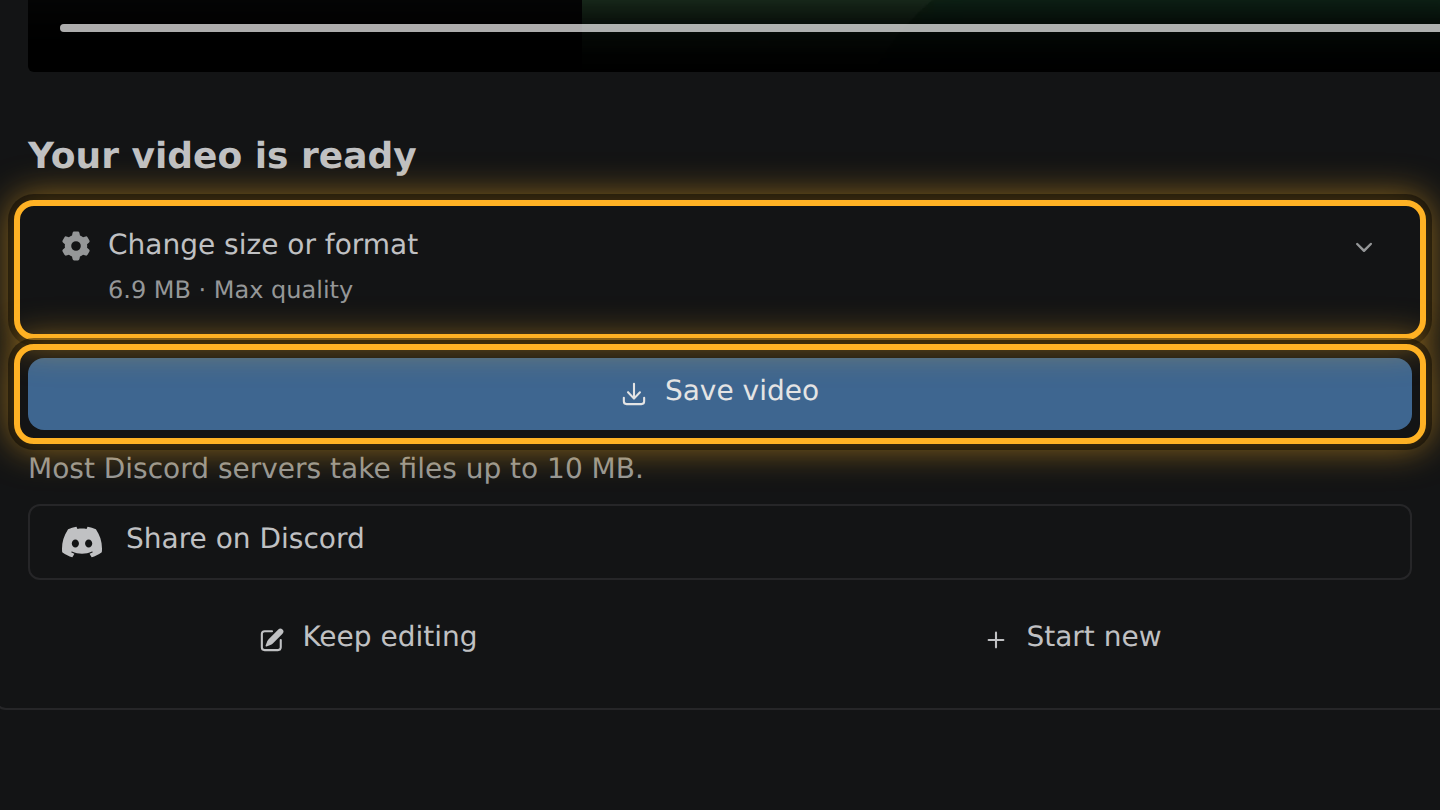
- Select Export video, check the real size on the next screen, then select Save video.
What to know
- As of August 2026, Discord takes files up to 20 MB on a free account, 50 MB with Nitro Basic and 500 MB with Nitro.
- At 20 MB and 30 frames a second, a one-minute 1080p video stays at 1080p. Two minutes come out at 720p and four at 480p.
- In our measurements with Chrome's software encoder, files landed within 3% of the size asked for. Other encoders can differ, so the editor shows the real size after the export.
- The export is an MP4 with H.264 video and Opus sound. We posted one to Discord: it plays in the chat with sound, in the iOS app too.
Questions
Will the file always fit?
No. A long video cannot fit 20 MB at a picture worth watching; the editor then says how much to trim. If an export still comes out over, the next screen says so.
Does compressing lower the quality?
Yes. A smaller file has fewer bits for each frame. The editor names the quality level and the picture size before you export, so you can trim instead.
What if my video is already under 20 MB?
Then there is nothing to compress, and no size target is set.

Thiago Vitorino leads the Edit Videos Team. His articles draw on 22 years of building for the web, with TypeScript, Rust and front-end performance.
More guides
Cut the best moment out of a long game recording, in your browser, without uploading the footage.
Trim the start and end of a screen recording, or take a pause out of the middle, before you share it.
Cut a video down, or set its size in megabytes, so it is small enough to send.